Table of Contents (15 sections)
Creating an exceptional HiFi audio setup involves more than purchasing high-end equipment; it requires a thorough understanding of acoustics, speaker placement, and optimal setup techniques. In this tutorial, we’ll delve into essential techniques to enhance your HiFi audio setup for the best sound quality, ensuring every note resonates beautifully.
1. Assess Your Room's Acoustics
Before diving into equipment selection, evaluate your listening environment. Acoustic properties of your room significantly influence sound quality. Soft surfaces like carpets and curtains can absorb sound, while hard surfaces such as walls and floors can create unwanted echo. Take note of your room dimensions and furniture layout. A room with symmetrical dimensions generally provides better sound distribution. You can experiment with DIY acoustic panels to minimize reflections; these can be made from materials like foam or even heavy fabrics to dampen sound waves. Dedicating time to this assessment can prevent many pitfalls when setting up an audio system.
2. Speaker Placement Techniques
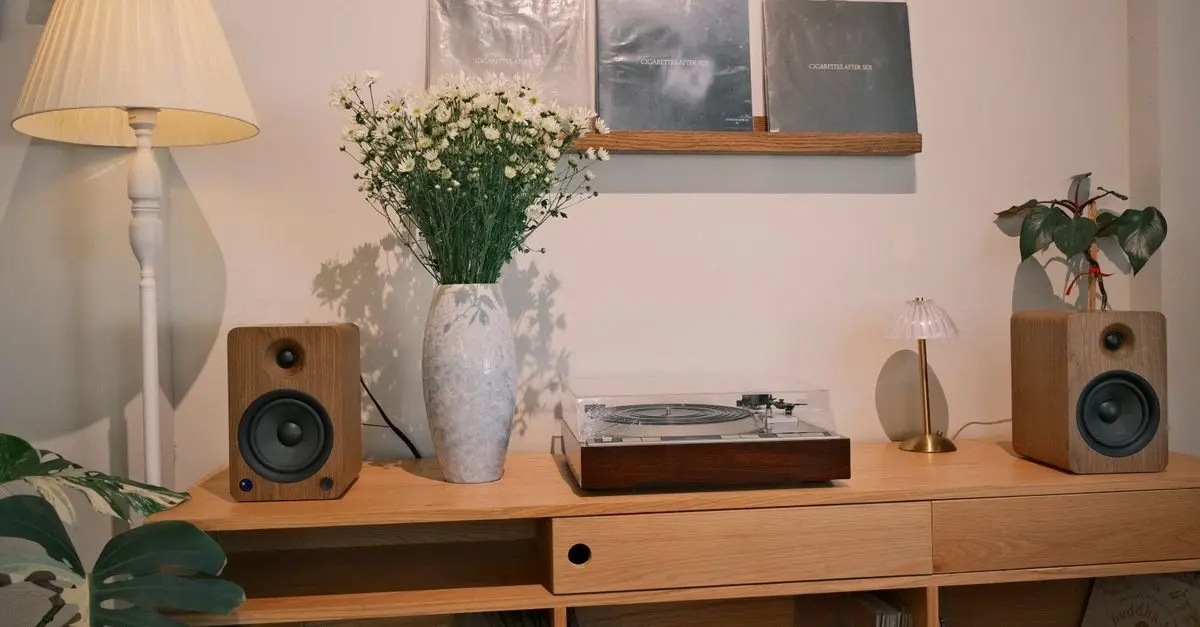
Proper speaker placement is crucial in enhancing your HiFi audio setup. Start by positioning your speakers at ear level to create an optimal listening triangle—where your ears form one point of an equilateral triangle with the two speakers. The recommended distance between speakers is often cited as being about 3 to 8 feet apart, depending on your room size. Consider positioning them away from walls (at least a foot) to avoid reflections that muddy the sound. Additionally, making fine adjustments can yield significant improvements—move your speakers a few inches forward or backward and listen for changes in clarity and stereo imaging.
3. Invest in Quality Cables
While it may seem trivial, the quality of your audio cables affects sound quality. Not all cables are created equal; investing in high-quality speaker wires and interconnects can substantially improve audio clarity. Look for cables with low capacitance and high shielding to minimize interference. According to UFC-Que Choisir, high-quality cables not only facilitate better signal transfer but also reduce noise. It’s essential to choose the right gauge for speaker wire; for lengths exceeding 50 feet, a lower gauge (like 12 or 14) is advisable to prevent signal loss.
4. Utilize Proper Digital Playback Software
The software you use to play your digital audio files can significantly influence playback quality. Opt for dedicated audio players that allow for lossless formats such as FLAC or WAV, which preserve audio fidelity. Ensure you also use an appropriate audio output setting; for instance, enabling bit-perfect playback can ensure the audio remains unchanged from its source. Many audio enthusiasts also recommend using Digital-to-Analog Converters (DACs) to enhance audio quality further. Certain high-fidelity DACs provide a clean signal and can bring life to your music like never before.
5. Fine-Tune Your Equalizer Settings
Once your system is set up, the next step is optimizing your sound with equalization. Many audio systems come equipped with built-in equalizers that may allow you to tailor sound frequencies to suit your preferences. Start by selecting a flat EQ setting and adjust gradually while listening to your favorite tracks, focusing on areas that feel lacking. For instance, if the bass seems overpowering, consider reducing lower frequencies accordingly. Be cautious, however—excessive adjustments can lead to distortion and an unbalanced sound.
🔍 Comparison Table: Audio Equipment Options
| Feature/Option | Option A (DAC) | Option B (Speaker) | Option C (Cables) | Verdict |
|---|---|---|---|---|
| Price | $200 | $400 | $50 | Good |
| Fidelity | High | Medium | Low | Varies |
| Compatibility | High | Varied | High | Depends |
| Warranty | 2 Years | 5 Years | 1 Year | Excellent |
Finally, don't hesitate to experiment with both the placement of your furniture and your listening height. Different setups can bring out unique qualities in your sound system. If possible, elevate your listening position with a suitable chair or cushion to align with your speakers for a better auditory experience. Les Numériques recommend testing various configurations to discover the best arrangement for your setup. The meticulous process of adjusting your environment can yield rewards in clarity and presence.
📺 Resources Video
> 📺 For further insights: Explore audio optimization techniques in depth. Search on YouTube: how to enhance HiFi audio setup 2026.
Checklist before Enhancement
- [ ] Assess room acoustics
- [ ] Position speakers correctly
- [ ] Invest in quality audio cables
- [ ] Choose the right playback software
- [ ] Fine-tune equalizer settings

Glossaire
| Terme | Définition |
|---|---|
| DAC | Un convertisseur numérique-analogique qui transforme les données numériques en signal audio analogique pour une meilleure qualité sonore. |
| EQ (Équaliseur) | Un outil utilisé pour ajuster l'équilibre des fréquences audio dans un enregistrement ou un système audio. |
| Acoustique | L'étude de la manière dont le son se propage dans un environnement donné et comment il est perçu. |
Recommended Products
- ## Conclusion
Creating a remarkable HiFi audio setup requires diligence and a willingness to experiment. By employing these essential techniques, you’ll be well on your way to enjoying your music as never before. Start your audio journey today and immerse yourself in a world of sound!
📺 Pour aller plus loin : The Basics | Getting Started with Hi-Fi Systems | Richer Sounds sur YouTube
Recommended products
Selected by our experts
Using Options to Enhance Stock Returns
Alison US CA
This resource provides insights into leveraging options to enhance your audio experience effectively.