Table of Contents (12 sections)
In today's audio landscape, optimizing your HiFi audio setup is not merely optional; it's essential for audiophiles looking to enhance their listening experience. With numerous components available in the market, understanding how to refine your setup can transform sound quality. By following these essential steps, you’ll soon be immersed in audio bliss.
1. Choose the Right Location for Your Setup
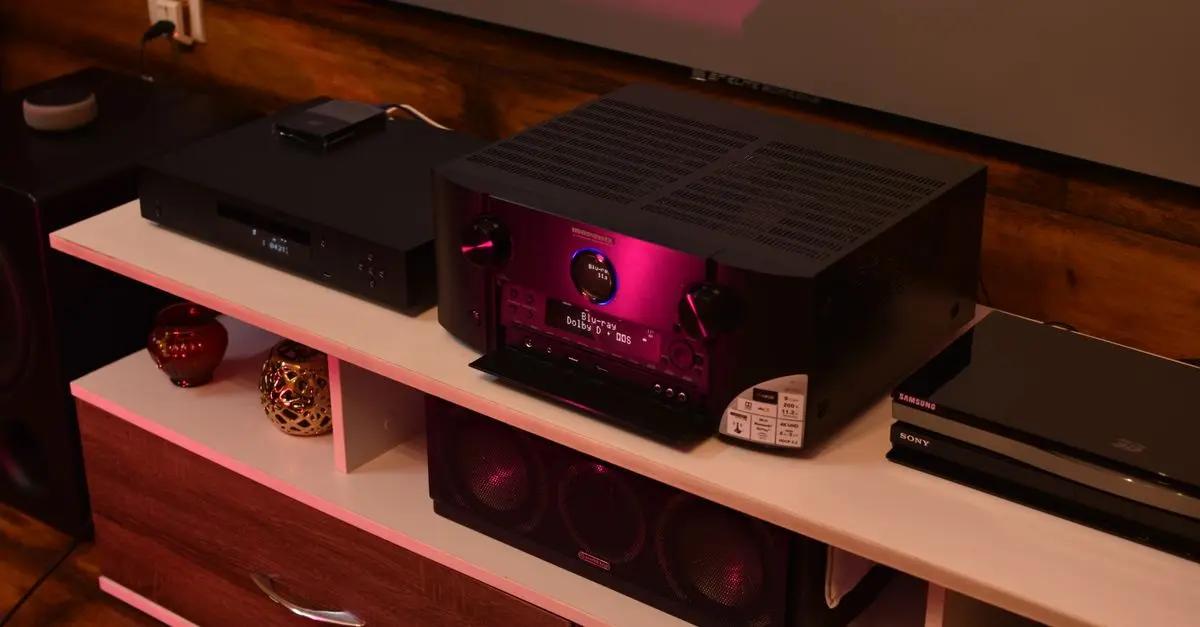
Choosing the correct location for your HiFi system is crucial. Ideally, your audio gear should be placed in a space free from distractions and background noise. Consider a room that has good acoustics, preferring spaces with carpet over hard flooring and curtains over bare walls.
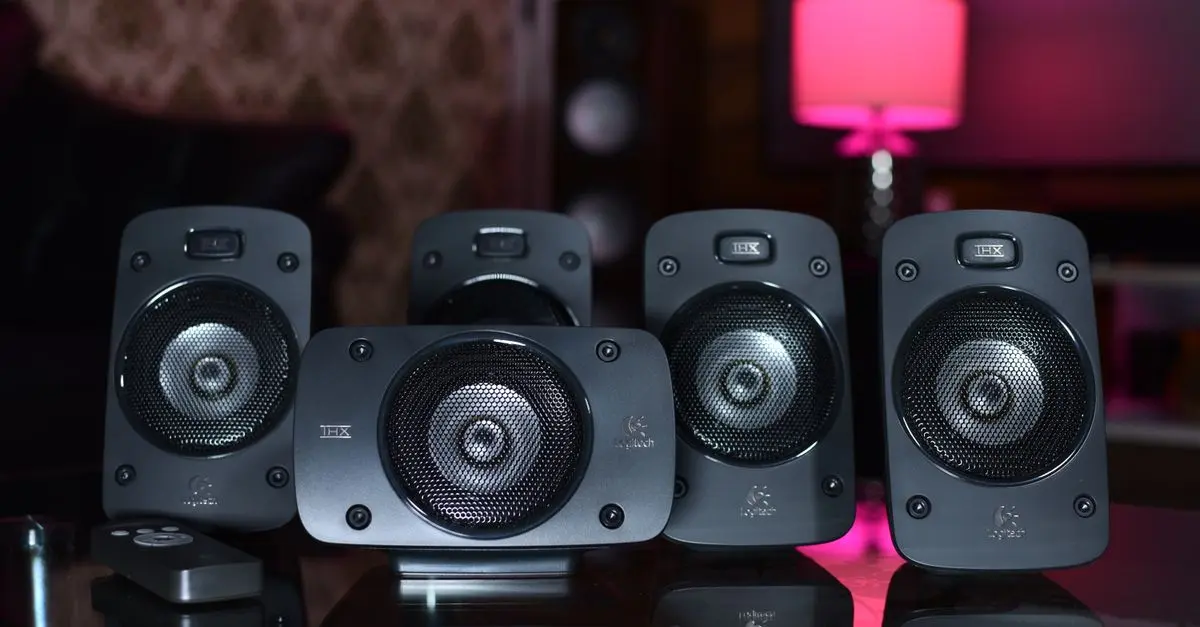
Furthermore, avoid placing your speakers against walls or in corners, as this can lead to sound distortion. A good rule of thumb is to follow the equilateral triangle method for speaker placement, ensuring each speaker is equidistant from the listening position. This setup allows for optimal soundstage and depth, creating a richer audio experience.
2. Invest in Quality Cables
Many audiophiles overlook the significance of cables in their audio setup. However, the quality of speaker wire and interconnects can substantially influence sound clarity and overall quality. Opt for oxygen-free copper cables that minimize signal loss and interference. Additionally, ensure that your cables are the appropriate gauge for your speaker's power requirements. Thicker cables tend to perform better over longer distances. To illustrate this point, studies have shown that high-quality cables can contribute to a 10-15% improvement in sound quality compared to standard speaker cables.


3. DACs and Amplification Matter
A great HiFi audio setup isn’t complete without high-quality digital-to-analog converters (DACs) and amplifiers. DACs are pivotal in converting digital audio signals into analog, which your speakers ultimately reproduce. Investing in a quality DAC can provide clearer, more detailed sound. Similarly, amplifiers enhance audio signals, improving overall performance. Look for amplifiers that deliver sufficient wattage for your speakers, ensuring they operate efficiently without distortion. When choosing between DACs, consider testing models in your existing setup to find the best match for your sound preferences.
4. Calibrate Your System
Calibrating your HiFi audio system is vital for optimal sound. This process often involves adjusting the gain settings, speaker distances, and overall equalization. Utilizing an SPL meter can significantly aid in achieving balance across speakers. If available, room correction software can help tailor sound to your space, addressing issues like room resonances and frequency response dips. According to UFC-Que Choisir, many users have noted a stark improvement in audio quality after calibration, leading to a more enjoyable listening environment.
5. Test Different Audio Sources
Every audio source has its unique characteristics that affect sound quality. Whether streaming online, using digital files, or traditional vinyl, it's crucial to evaluate how each performs within your HiFi setup. Conducting listening tests across various formats allows you to discover nuances and preferences in sound. For instance, many users find that high-resolution audio files provide a richer, more immersive experience than standard MP3 files. Additionally, a quality turntable can introduce a warm, organic feel to music that digital sources may lack.
6. Incorporate Acoustic Treatments
Acoustic treatments can significantly boost the performance of your HiFi setup. Many living rooms have reflective surfaces that may distort sound, leading to echoes and muddiness. Depending on the room's size and shape, consider adding bass traps, acoustic panels, or diffusers to enhance sound clarity. These treatments absorb or scatter sound waves, reducing unwanted reflections and improving overall audio fidelity. According to recent findings from Les Numériques, such enhancements can improve sound quality by up to 30% in untreated spaces.

7. Regular Maintenance and Upgrades
Finally, it's essential to regularly maintain and upgrade your HiFi system. This can involve simple tasks such as cleaning connections, checking for dust on speakers, and ensuring that components are functioning correctly. As technology progresses, be open to upgrading components that may yield better sound quality. According to user reviews, newer products often incorporate advanced materials and technology that can lead to a noticeable difference. Regularly seeking feedback on your setup allows for an evolving approach to HiFi audio.
Checklist before optimizing your HiFi audio setup
- [ ] Choose the right location for your setup
- [ ] Invest in quality cables
- [ ] Ensure DACs and amplifiers are of good quality
- [ ] Calibrate your system for balance
- [ ] Test different audio sources across formats
- [ ] Incorporate acoustic treatments
- [ ] Regularly maintain and consider upgrades
Glossary
| Terme | Définition |
|---|---|
| DAC | Digital-to-analog converter that transforms digital audio signals into analog. |
| Speaker Wire | Wires that connect speakers to audio sources, critical for sound quality. |
| Acoustic Treatment | Modifications made to a room to improve audio quality and reduce distortion. |
📺 Resource Video
> Check out [The Best HiFi Audio Setup Guide] on YouTube for in-depth analysis on setting up your HiFi audio system. Search for: "how to improve your HiFi audio setup".
Quiz rapide:
> What is the first step to optimize your HiFi audio setup?
> - A) Choose high-quality cables
> - B) Select the right location
> - C) Invest in a DAC
> Réponse : B — A good location is fundamental for sound quality.
📺 Pour aller plus loin : how to improve your HiFi audio setup sur YouTube
Recommended products
Selected by our experts

Night Owl - Add_On 2-Camera Deterence 2K Security Camera with 2-Way Audio - White
bestbuy.com
Night Owl - Add_On 2-Camera Deterence 2K Security Camera with 2-Way Audio - White
bestbuy.com