Table of Contents (16 sections)
Creating the perfect HiFi audio room is both an art and a science. It involves understanding the nuances of sound, room acoustics, and equipment placement. The goal is to maximize sound quality and provide an enjoyable listening experience. In this comprehensive guide, we will walk through the essential steps to optimize your HiFi audio room effectively.
1. Understand the Room Acoustics
Before diving into configurations and placements, it's crucial to comprehend how room acoustics influence sound quality. The dimensions and shape of your room significantly affect how sound waves behave. For instance, a room with parallel walls can create standing waves that lead to distortion in sound reproduction.
Tips for Assessing Your Room:
- Dimensions: Ideally, your room should have non-parallel walls to minimize acoustic issues.
- surfaces: Hard surfaces like tile or hardwood can reflect sound, while carpets and curtains absorb it. Try balancing materials for optimal acoustics.
- Test different areas: By listening from various spots, you can identify areas with the best sound. Use a simple app to analyze frequency responses.
2. Positioning Your Speakers
Proper speaker placement can drastically improve your listening experience. Sound waves need to travel freely, and positioning your speakers correctly helps them achieve that.
Recommended Speaker Setup:
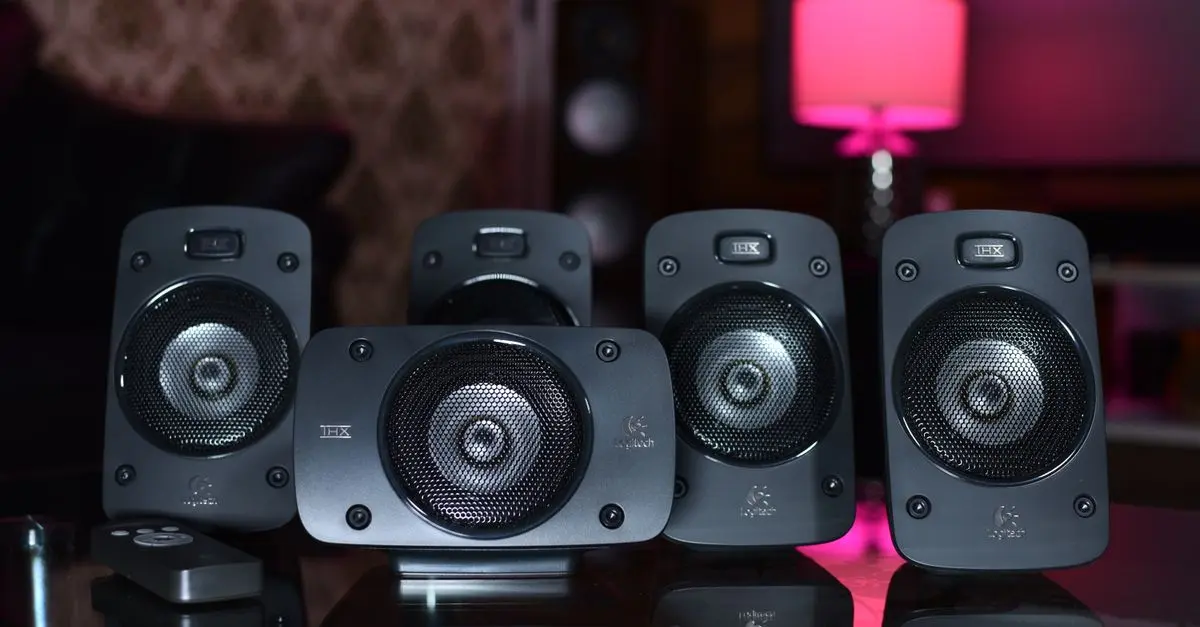
- Triangle Setup: Position your speakers and seating in an equilateral triangle. Start with the speakers about 3 to 5 feet apart and ensure your listening position is the same distance from both speakers.
- Height Matters: Your speakers should be at ear level when seated. This ensures that the highs and mids reach you directly without interference from floor reflections.
- Avoid Walls: Keeping speakers at least a foot from the wall allows for natural bass response and prevents muddiness.


3. Choosing the Right Equipment
Not all audio equipment is created equal. Ensuring compatibility among your components can elevate your audio experience.
Equipment Essentials:
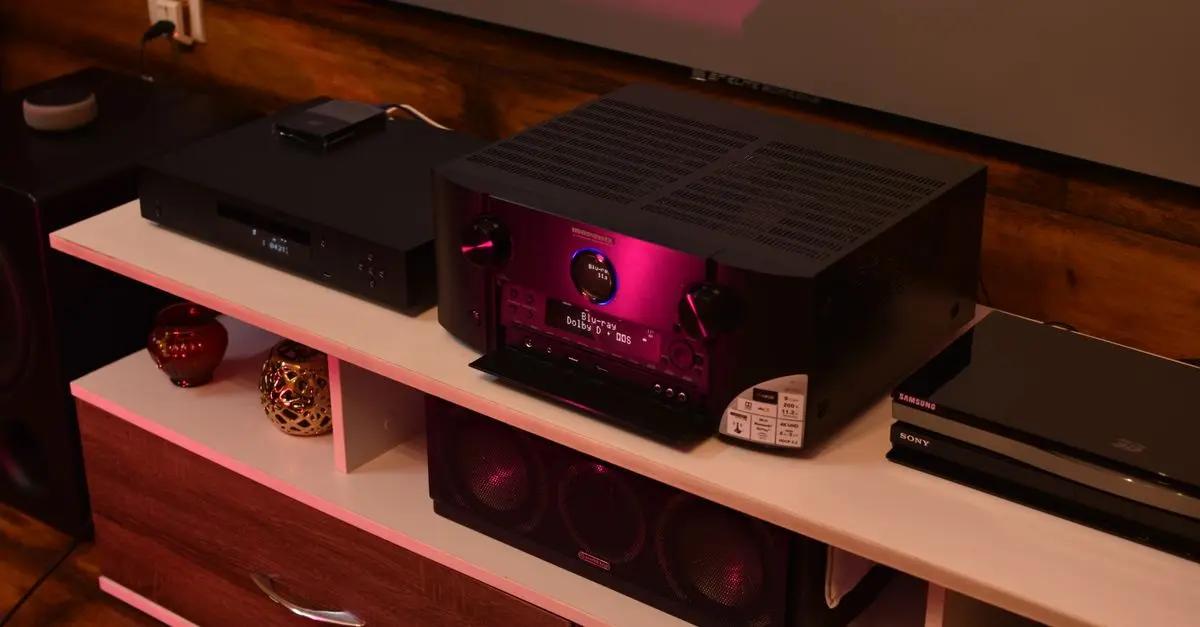
- Amplifier and Speaker Matching: Ensure your amplifier can drive your speakers efficiently. Check the impedance and power ratings on both to match them correctly.
- Quality Cables: Invest in high-quality cables to minimize signal loss. Poor cables can degrade sound quality, countering your optimization efforts.
- DAC Selection: Consider adding a Digital-to-Analog Converter (DAC) for streaming audio to improve sound fidelity. It converts digital signals from sources like computers into analog signals for your speakers.
4. Room Treatment Techniques
Optimizing sound quality involves more than just hardware. Acoustic treatment can significantly impact how sound reflects and absorbs in your room.
Effective Treatment Solutions:
- Bass Traps: These are essential for absorbing low frequencies and mitigating boominess in the bass. Place them in corners where bass frequencies often accumulate.
- Acoustic Panels: Use these to reduce mid and high-frequency reflections. Position them on the first reflection points on your walls and ceiling.
- Diffusion Elements: Strategically scatter diffusers throughout the room to scatter sound waves and enhance clarity without sacrificing liveliness.
5. Fine-Tuning Your Setup
Once your equipment is set and your room is treated, it's time to fine-tune everything. This stage involves tweaking your system until it produces the best sound that suits your personal taste.
Steps to Fine-Tuning:
- Speaker Calibration: Use measurement microphones and room correction software to analyze frequency response and adjust settings accordingly.
- Listening Tests: Spend time listening to various genres of music. Make adjustments based on what you hear. Pay attention to each frequency range—low, mid, and high—during your tests.
- Room Adjustments: Sometimes moving furniture or adding/removing certain items can dramatically affect sound quality. Experiment until you find the ideal configuration.
Checklist Before You Start
- [ ] Assess room dimensions and acoustics.
- [ ] Plan speaker placement.
- [ ] Select compatible equipment.
- [ ] Invest in acoustic treatments.
- [ ] Prepare for fine-tuning your setup.
Glossary
| Term | Definition |
|---|---|
| DAC | A device that converts digital audio signals to analog. |
| Acoustic Treatment | Techniques or products used to improve the sound quality of a room. |
| Bass Traps | Panels designed to absorb low-frequency sound waves. |
📺 For further insights:
Check out our detailed explorations on HiFi audio setups and room treatments on YouTube: Optimize HiFi Audio Room 2026.
Quiz: How much do you know about HiFi audio?
> 🧠 Quiz rapide: What is the most crucial aspect of optimizing a HiFi audio room?
> - A) Speaker brand
> - B) Room dimensions
> - C) Seating position
> Réponse : B — Room dimensions significantly affect sound quality.
Recommended Products
- Meze Audio - 99 Neo Headphones: Perfect for achieving a balanced sound in your HiFi audio experience.
- iFi Audio - Zen DAC V3: An essential tool for fine-tuning your audio setup and improving sound quality.
- Meze Audio - 105 AER Open Back Headphones: Ideal for immersive listening experiences in a well-optimized audio room.
📺 Pour aller plus loin : Audiophile Sound in Small Rooms? sur YouTube
Recommended products
Selected by our experts


Night Owl - Add_On 2-Camera Deterence 2K Security Camera with 2-Way Audio - White
bestbuy.com
Night Owl - Add_On 2-Camera Deterence 2K Security Camera with 2-Way Audio - White
bestbuy.com