Table of Contents (10 sections)
A HiFi audio setup can transform your listening experience. However, achieving that optimal sound requires careful planning and setup. In this guide, we will walk you through essential steps to optimize your HiFi audio setup for maximum enjoyment.
1. Understanding the Basics of HiFi Audio
In order to optimize your HiFi audio setup, you must first understand what HiFi audio is. HiFi, short for High Fidelity, refers to sound reproduction that is very faithful to the original source. This fidelity involves a few key components: audio equipment, source material, room acoustics, and speaker positioning. The goal is to recreate sound as accurately and clearly as possible, mimicking a live performance.
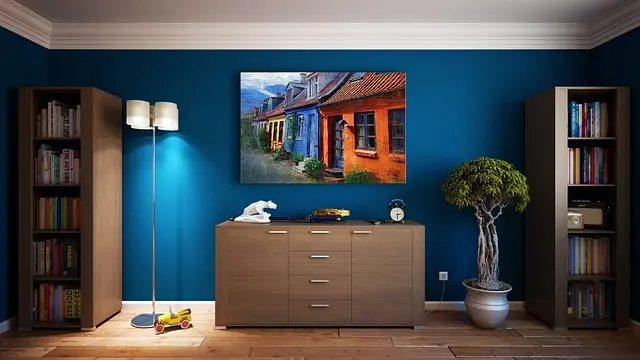
We often see that most enthusiasts focus solely on high-end equipment, forgetting that room acoustics play a vital role in audio quality. Poor room acoustics can distort sound, making even the best speakers sound subpar. In fact, it's said that up to 50% of the sound quality comes from your room environment. Consider factors like wall materials, furnishings, and even floor types when setting up your audio space.
Understanding these elements will enable you to make informed decisions as you proceed in optimizing your HiFi setup.
2. Selecting Quality Components
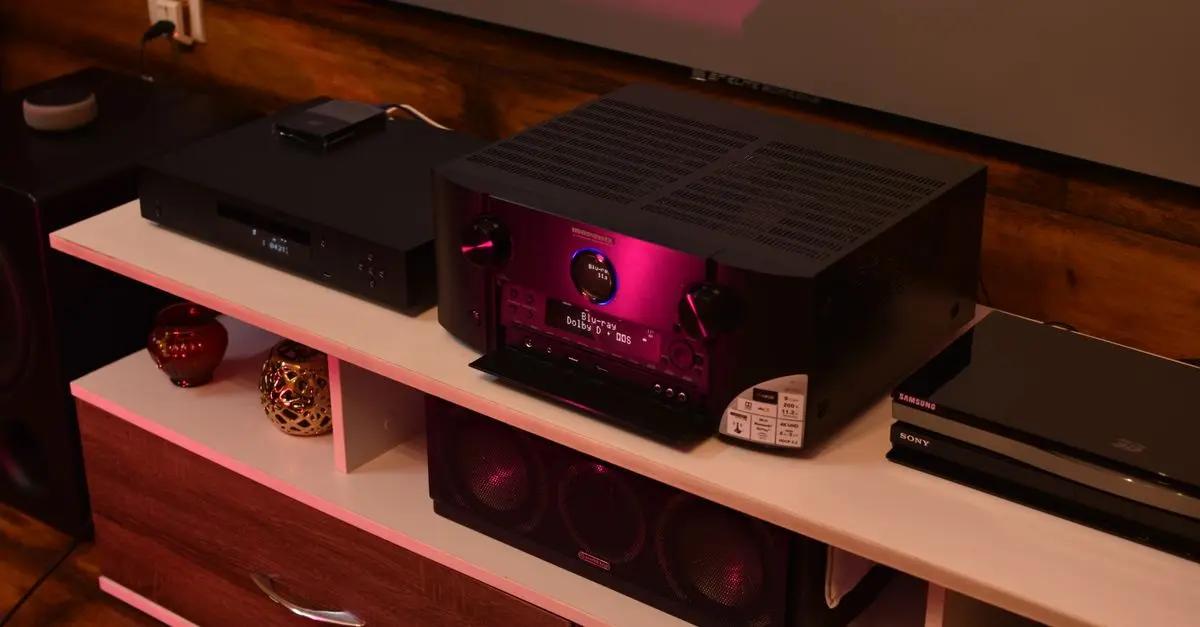
The second step in optimizing your HiFi audio setup is selecting the right components. While there's a temptation to buy everything at once, this can lead to mismatched or underperforming setups. Focus on the key elements: source, amplifier, speakers, and cables.
The source of your audio is paramount. Whether it’s a high-quality vinyl player or a digital streaming service, ensure your source delivers high-resolution audio files. D/A converters and amplifiers will enhance this audio signal for clarity and warmth. Many users overlook cables, but high-quality, shielded cables can make a noticeable difference in sound quality. Look for cables that minimize interference. Remember, investing in quality components often yields long-term benefits.
Make a checklist of essential components while keeping your budget in mind; prioritize what will enhance your listening experience the most.


3. Room Acoustics and Speaker Placement
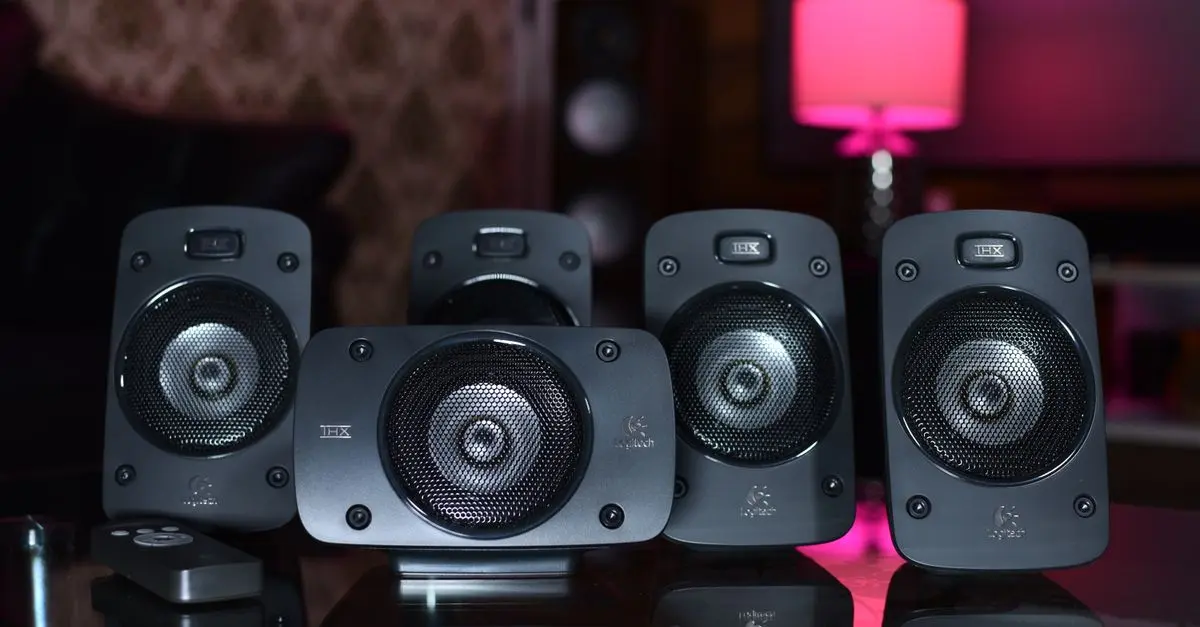
Even the best audio equipment can fall short if your room isn't treated for sound quality. One common mistake is neglecting speaker placement. Ideally, speakers should be placed at ear level and form an equilateral triangle with the listening position.
Consider using sound-absorbing materials like rugs, curtains, and acoustic panels to minimize unwanted reflections. According to UFC-Que Choisir, room treatment can increase sound clarity by up to 30%. Testing various placements can also reveal surprising improvements. Experiment by moving your speakers away from walls, towards the center of the room, to create a more immersive sound experience.
4. Calibration for Perfect Sound
Once your equipment is set up, calibration is key to optimizing performance. Use a sound level meter or smartphone app to ensure equal sound levels from all speakers. Professional calibration services or self-calibration through built-in systems can significantly enhance audio performance.
Take the time to adjust equalizer settings to suit your personal preferences. It's often advisable to consult frequency response graphs specific to your setup. Excel in understanding how to tweak bass, midrange, and treble levels to achieve a balanced sound. Don't shy away from making small adjustments; it could dramatically transform your listening experience.
5. Regular Maintenance and Upgrades
To keep your HiFi audio setup performing at its best, regular maintenance is crucial. Dust your equipment to prevent buildup and consider cleaning your vinyl records or using anti-static brushes for digital media. Keep cables organized to avoid interference.
Don’t hesitate to consider upgrades in components as technology advances. For example, DACs (Digital-to-Analog Converters) are becoming increasingly popular. They can lead to substantial improvements in sound quality. Assess your setup annually; what once served well may need updating to keep pace with new audio standards.
Checklist Before You Start
- [ ] Select quality components: source, amp, speakers, cables.
- [ ] Assess room acoustics: add sound-absorbing elements.
- [ ] Proper speaker placement: at ear level and optimal distance.
- [ ] Calibrate with a sound meter: equal sound from all speakers.
- [ ] Regular maintenance: clean and manage cables.

📺 For Further Insights:
Check out the video titled "How to Optimize Your HiFi Setup for Best Sound" on YouTube for more practical tips.
Glossary
| Term | Definition |
|---|---|
| HiFi | High-fidelity audio that aims for accurate sound replication |
| DAC | Digital-to-Analog Converter, essential for sound quality |
| Room Acoustics | Study of how sound interacts with the physical environment |
Quiz
> 🧠 Quick Quiz: What is an essential factor in optimizing HiFi audio?
> - A) Quality Components
> - B) Room Acoustics
> - C) All of the Above
> Answer: C — Both quality components and room acoustics significantly improve audio fidelity.
📺 Pour aller plus loin : how to optimize HiFi audio setup 2026 sur YouTube
Recommended products
Selected by our experts

Night Owl - Add_On 2-Camera Deterence 2K Security Camera with 2-Way Audio - White
bestbuy.com
Night Owl - Add_On 2-Camera Deterence 2K Security Camera with 2-Way Audio - White
bestbuy.com