Table of Contents (11 sections)
When it comes to the world of audio, achieving the perfect listening experience requires more than just purchasing high-end equipment. In this article, we will explore how to effectively optimize your HiFi audio setup to ensure maximum enjoyment and immersion. With insights and practical steps, you’ll be able to elevate your listening experience significantly.
1. Understanding the Basics of HiFi Audio
To start with, it's crucial to grasp what constitutes a HiFi audio setup. The term “HiFi” refers to high fidelity, meaning that the audio is as close to the original sound as possible. This involves high-quality speakers, amplifiers, and sound sources that minimize distortion and enhance clarity. According to UFC-Que Choisir, audiophiles often prioritize setups that reproduce sound with high precision, allowing them to experience music as it was intended to be heard.
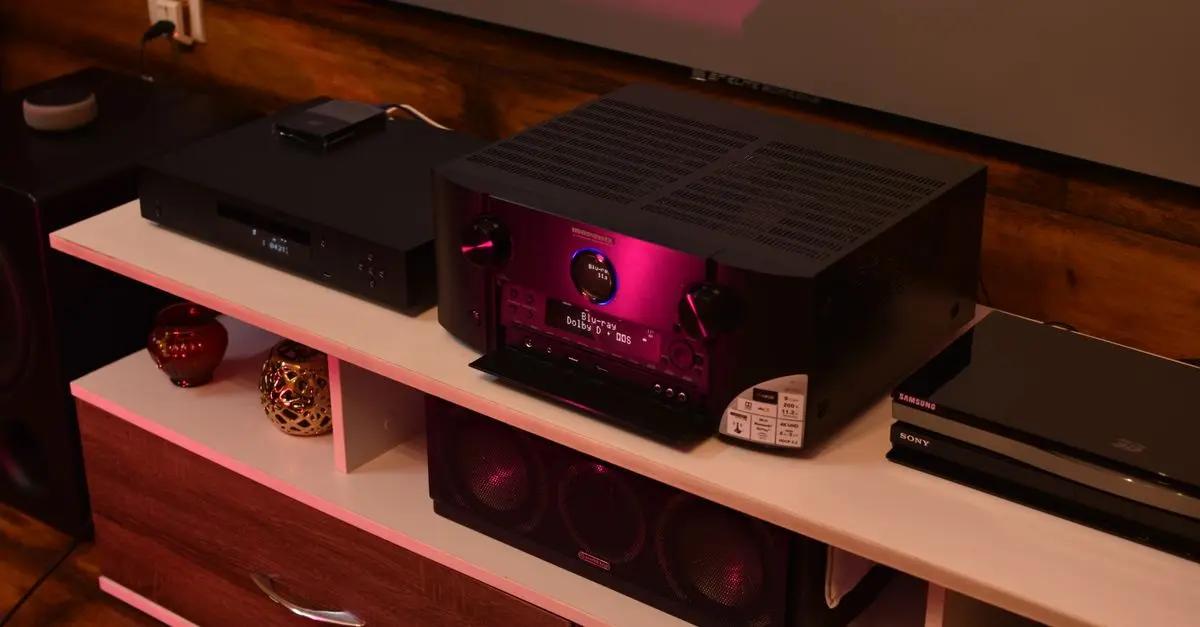
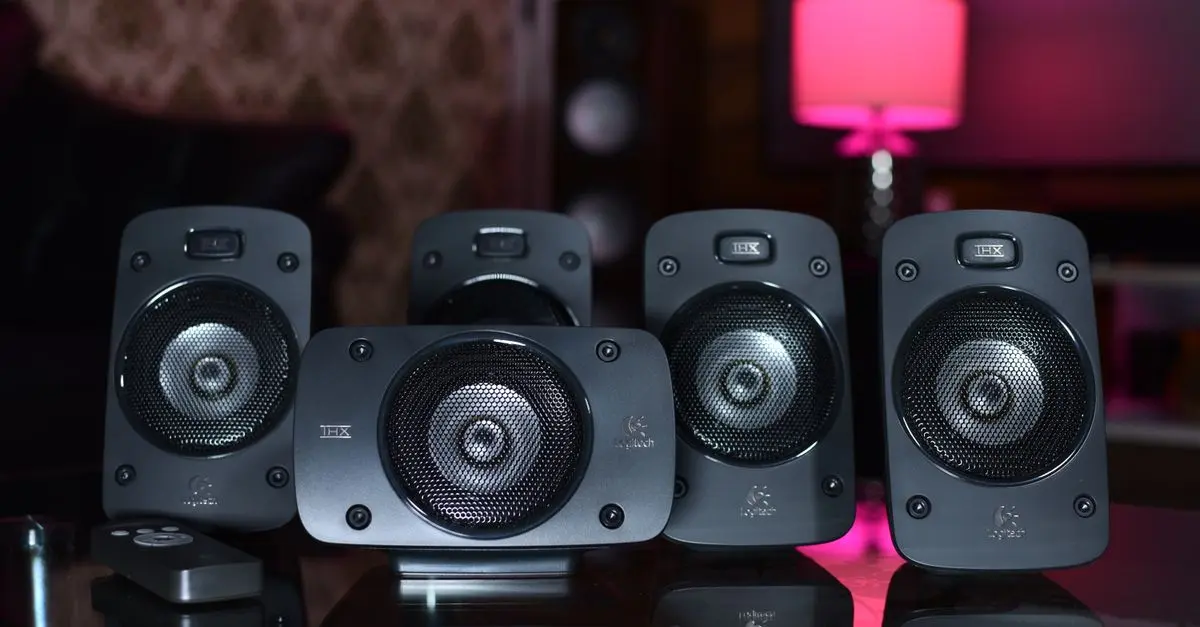
Building a HiFi setup starts with understanding the various components involved: speakers, amplifiers, digital-to-analog converters (DACs), and source devices like turntables or streaming platforms. Each component has a significant impact on sound quality. For instance, reputed studies suggest that up to 80% of your listening experience can depend on your speaker quality alone. So, investing in quality speakers and amplifiers is critical. Additionally, room acoustics can dramatically alter sound quality; soft furnishings can help absorb sound, while hard surfaces may create unwanted echoes.
2. Setting Up Your Room for Optimal Audio
Once you understand the components, it’s crucial to create an environment conducive to great sound. The placement of your speakers can significantly impact sound quality. Ideally, speakers should be positioned at ear level and at least a few feet away from walls to prevent sound reflection issues. A common mistake is placing speakers too close to corners, which can cause boomy bass due to sound waves reflecting off walls.
To properly set up your room, begin by measuring the dimensions and planning the layout. Room dimensions play a crucial role; square rooms can create standing waves that distort sound. Consider an equilateral triangle setup where your speakers form the points of the triangle with your listening position, as this arrangement often provides the best sound staging and imaging.
Utilize acoustic treatment panels if necessary, which help control reflections and echoes in the room. Simple elements such as rugs, curtains, and even wall art can aid in sound absorption. Furthermore, reviewing user feedback from platforms like Les Numériques can provide insight into common acoustic challenges and solutions others have successfully implemented in similar spaces.
3. Investing in Quality Components
With your room set up, the next step is ensuring you have high-quality components. DACs and amplifiers often get overlooked, but they can profoundly influence your listening experience. Choose DACs that support high-resolution audio formats, which provide better sound quality than standard CD quality. Additionally, pairing your speakers with the right amplifier is essential for achieving optimal performance—each speaker often requires a specific power range for the best output.
To illustrate, let’s consider a comparison of two popular DAC options:
| Feature | Option A | Option B | Verdict |
|---|---|---|---|
| Audio Resolution | Up to 24/192 | Up to 32/768 | Option B offers superior resolution |
| Connectivity | USB, Optical | USB, Coaxial | Option B has more versatile connections |
| Price | $150 | $300 | Chosen option based on budget constraints |
4. Fine-Tuning and Calibration
Once you have your setup established, fine-tuning and calibrating your equipment can lead to significant improvements. This process can involve adjusting settings in your receiver or using software that balances audio output based on your room’s acoustics. Software tools allow you to measure frequency response and correct sound imbalances that may arise from your room's acoustics.
An often overlooked technique includes using a bass management system. This tool can help in regulating low frequencies, ensuring your subwoofers aren’t overpowering the overall sound output. Many user reviews suggest that utilizing room correction systems can enhance your listening experience significantly, correcting discrepancies in speaker responses
5. Essential Maintenance and Upkeep
Finally, maintaining your audio setup is vital to ensure longevity and optimal sound quality. Regularly cleaning your equipment and ensuring connections are secure can help prevent issues with sound quality over time. Dust buildup can create interference, especially on turntables and speakers.
Check and replace cables if needed. High-quality cables offer improved conductivity and longevity over standard wires, further ensuring your system retains audio fidelity.
Additionally, it's wise to routinely review your equipment specifications and stay updated on the latest advancements in audio technology. Engaging with audiophile communities can provide valuable feedback and help you discover new products worth considering.
Checklist before optimizing your HiFi audio setup
- [ ] Assess your listening environment.
- [ ] Invest in high-quality speakers and DACs.
- [ ] Ensure proper speaker placement.
- [ ] Utilize room calibration tools.
- [ ] Regularly maintain and clean all components.
Conclusion
Optimizing your HiFi audio setup is an ongoing endeavor that not only involves purchasing the right equipment but also creating a conducive listening environment and maintaining it. As you refine your setup, you will find that each adjustment contributes to a greater and more immersive listening experience.
💡 Expert Opinion: The right audio setup can mean the difference between a casual listen and a transformative experience; never underestimate the impact of small adjustments on sound quality.
Glossary
| Term | Definition |
|---|---|
| DAC | A digital-to-analog converter that converts digital audio signals into analog waves for playback. |
| Fidelity | The accuracy of sound reproduction compared to the original recording. |
| Acoustic Treatment | Modifications made to a room's design to improve sound quality. |
📺 Video Resource
> 📺 For further exploration: Understanding HiFi Speaker Setup, a deep dive into speaker placement and design choices. Search for “HiFi audio setup tips 2026” on YouTube for valuable insights.
📺 Pour aller plus loin : The Basics | Getting Started with Hi-Fi Systems | Richer Sounds sur YouTube
Recommended products
Selected by our experts


Night Owl - Add_On 2-Camera Deterence 2K Security Camera with 2-Way Audio - White
bestbuy.com
Night Owl - Add_On 2-Camera Deterence 2K Security Camera with 2-Way Audio - White
bestbuy.com