Table of Contents (11 sections)
Creating a HiFi audio setup that offers unparalleled sound quality and enjoyment requires careful planning and execution. In this guide, we'll cover essential steps to optimize your HiFi audio setup for maximum enjoyment.
1. Understanding Your Space
Before diving into the technical aspects of your audio gear, it’s crucial to assess the environment in which you’ll be listening to music. The characteristics of your room can dramatically influence sound quality. Factors such as the size of the space, the materials of the walls, and the furniture arrangement all play pivotal roles.
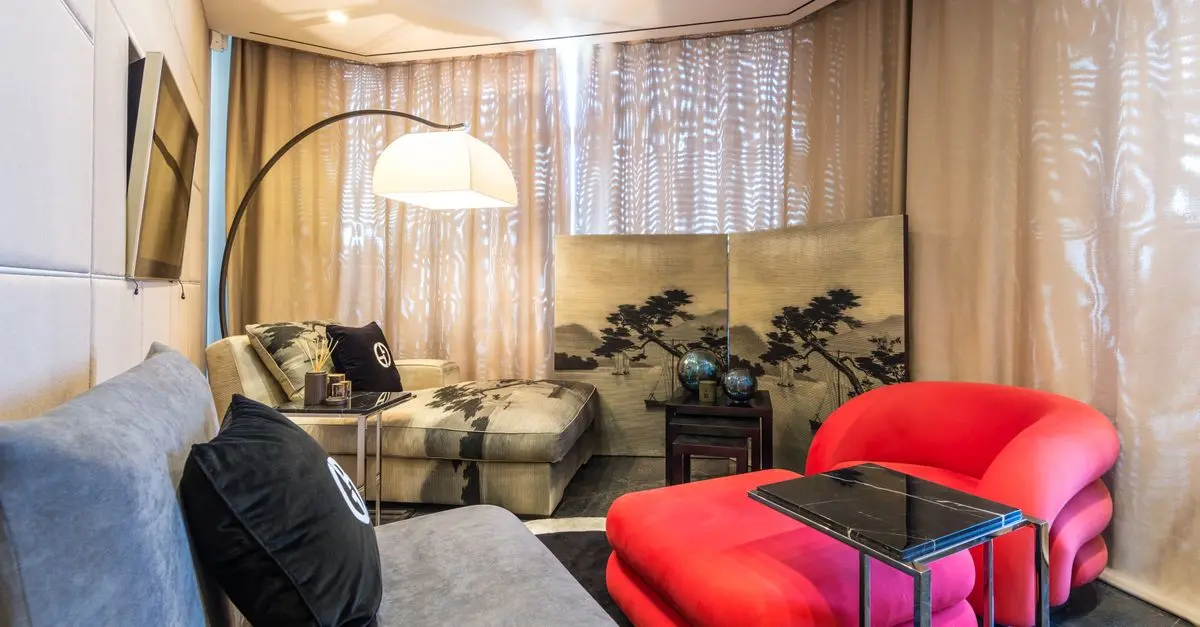
To start, ensure that the room has minimal echo and reflections. Soft furnishings like carpets, curtains, and upholstered furniture can absorb sound waves and reduce echo. On the other hand, hard surfaces—like tile floors and bare walls—can create unwanted reflections that muddy the sound.
For optimal results, consider placing absorption panels strategically in your room. According to UFC-Que Choisir, even minimal changes in a room’s acoustic properties can lead to noticeable improvements in sound clarity.
2. Choosing Quality Components
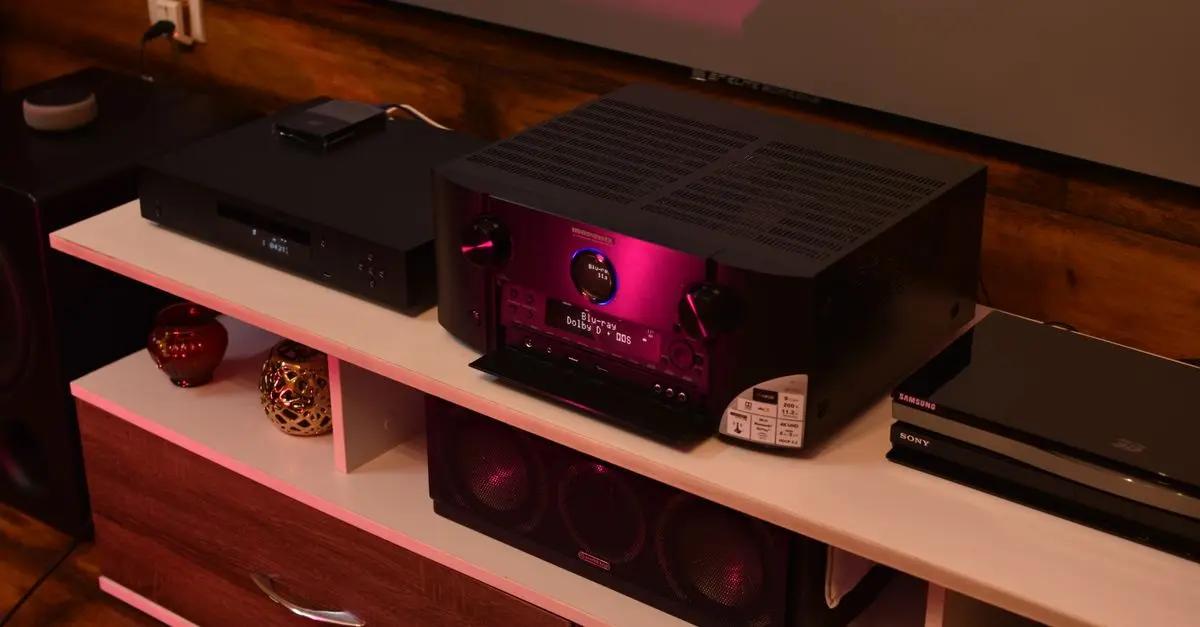
The selection of audio components—such as speakers, amplifiers, and sources—greatly influences the listening experience. Always aim for high-quality gear designed for synergistic performance. For instance, pairing a powerful amplifier with underperforming speakers would yield subpar results. Familiarize yourself with specifications that matter:
- Total Harmonic Distortion (THD): Keep this below 1%.
- Signal-to-Noise Ratio (SNR): Higher is better for clarity.
- Frequency Response: A wider range allows for richer sound.
Investing in quality cables and connectors is similarly important. Poor connections can lead to lost fidelity. As a pro tip, avoid generic cables; instead, select those specifically designed for audio to ensure optimum signal transmission. For those diving deeper into their audio experience, consider a DAC (Digital-to-Analog Converter) to enhance sound resolution.
3. Proper Placement of Speakers
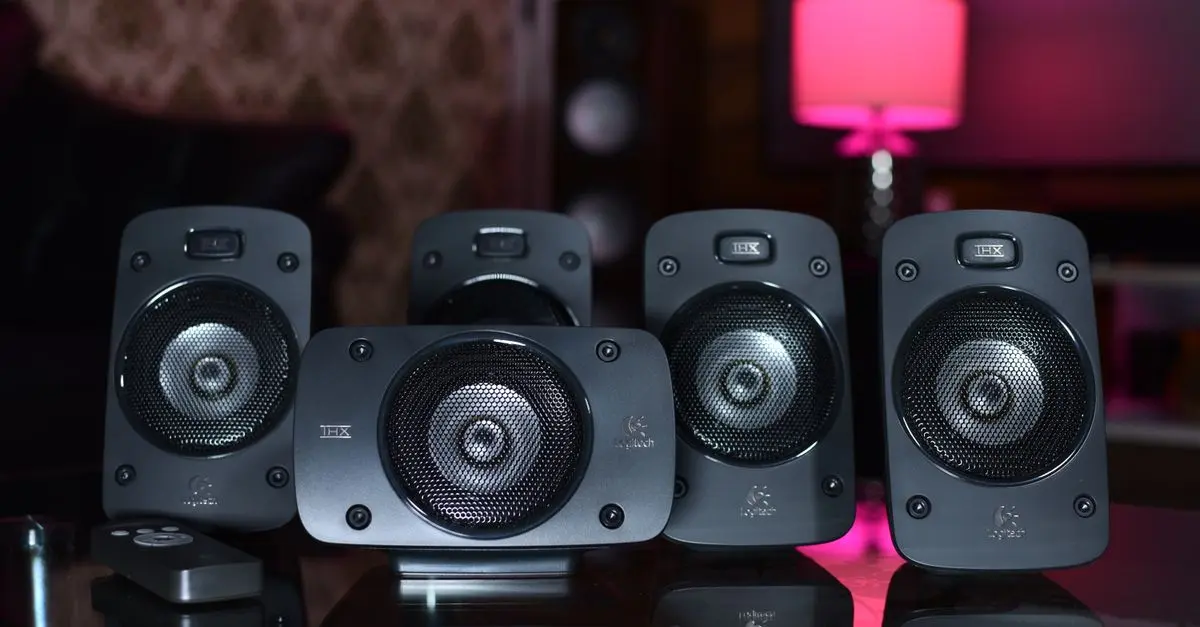
Speaker placement is a critical factor in achieving optimal sound. Ideally, speakers should form an equilateral triangle with the listener's position. This triangle helps create a balanced soundstage. Here are a few points to consider:
- Distance from Walls: Speakers should be at least 2 feet away from walls to reduce bass buildup.
- Height: The tweeters should be at ear level when seated, to enhance clarity and directionality in sound.
- Angle: Angle the speakers slightly toward the listening position for a more immersive experience.
4. Calibration and Room Correction
Once your components and speakers are in place, the next step is calibration. Some advanced speakers come with built-in calibration features, while external devices can analyze the room's acoustics. This step is crucial as it fine-tunes performance, ensuring the sound output is optimal, regardless of the room's quirks.
Experimenting with equalization is another effective strategy. Most sound receivers allow users to adjust frequencies manually or through preset options. Be prepared to spend time tweaking settings to find that perfect balance. According to Les Numériques, small adjustments can considerably enhance overall sound quality.
5. Enhancing Your Listening Environment
The final touch in optimizing your HiFi setup lies in enhancing the overall listening environment. Consider the ambiance by adjusting lighting and maintaining a comfortable temperature. Your listening session can greatly benefit from minimizing external distractions.
It's also helpful to use high-quality source material. Streaming high-resolution audio files—such as FLAC or DSD formats—can make a noticeable difference compared to standard MP3s. When possible, prioritize lossless audio options during streaming.
6. Regular Maintenance
Maintaining your HiFi audio system is essential for long-term performance. This includes periodic cleaning of components, checking for loose connections, and replacing damaged cables. Regularly inspect your system for dust accumulation, as it can affect both performance and overheating.
Additionally, consider updating or upgrading components as technology advances. Digital audio technology evolves rapidly, and ensuring your system has the best possible components can significantly enhance your listening experience. Don’t hesitate to consult user reviews and tests from reputable sources when making upgrades.
Checklist Before Enhancing Your HiFi Audio Setup
- [ ] Assess and adjust room characteristics.
- [ ] Select quality audio components.
- [ ] Optimize speaker placement.
- [ ] Calibrate and correct for room acoustics.
- [ ] Enhance your listening environment.
- [ ] Regularly maintain your audio equipment.
Glossary
| Term | Definition |
|---|---|
| DAC (Digital-to-Analog Converter) | Converts digital audio signals into analog for your speakers. |
| Total Harmonic Distortion (THD) | A measure of distortion in audio output; lower numbers indicate clearer sound.
| Frequency Response | Range of frequencies (low to high) that your audio system can reproduce. |
💡 Expert Advice: Regularly monitor user and expert reviews to stay updated on new enhancements in audio technology.
🧠 Quick Quiz:
> What is the primary purpose of a DAC?
> - A) Amplify sound
> - B) Convert digital to analog signals
> - C) Filter sound frequencies
> Answer: B — A DAC's main role is to convert digital audio signals into an analog format, allowing speakers to produce sound.
📺 Resources Video
> For more insights into optimizing audio setups, check out two insightful videos on YouTube. Search "HiFi audio setup optimization 2026" for detailed guidance.
In conclusion, taking these steps will help you maximize the enjoyment derived from your HiFi audio setup. Always remember that personalization is key; what sounds best to you is the ultimate goal of your optimization efforts.
Discover our tailored product recommendations below that can enhance your setup!
📺 Pour aller plus loin : The Basics | Getting Started with Hi-Fi Systems | Richer Sounds sur YouTube
Recommended products
Selected by our experts


Night Owl - Add_On 2-Camera Deterence 2K Security Camera with 2-Way Audio - White
bestbuy.com
Night Owl - Add_On 2-Camera Deterence 2K Security Camera with 2-Way Audio - White
bestbuy.com