Table of Contents (16 sections)
In the age of digital audio, the desire for high-fidelity sound closes the gaps between artists and listeners. A well-optimized HiFi audio setup can transform your listening experience, making your favorite tracks sound more immersive and authentic. Whether you're a seasoned audiophile or just getting started, optimizing your HiFi audio setup is key to achieving that coveted sound quality. This guide will walk you through a step-by-step process, ensuring you get the most out of your system.
Step 1: Assess Your Space
Assessing Room Acoustics
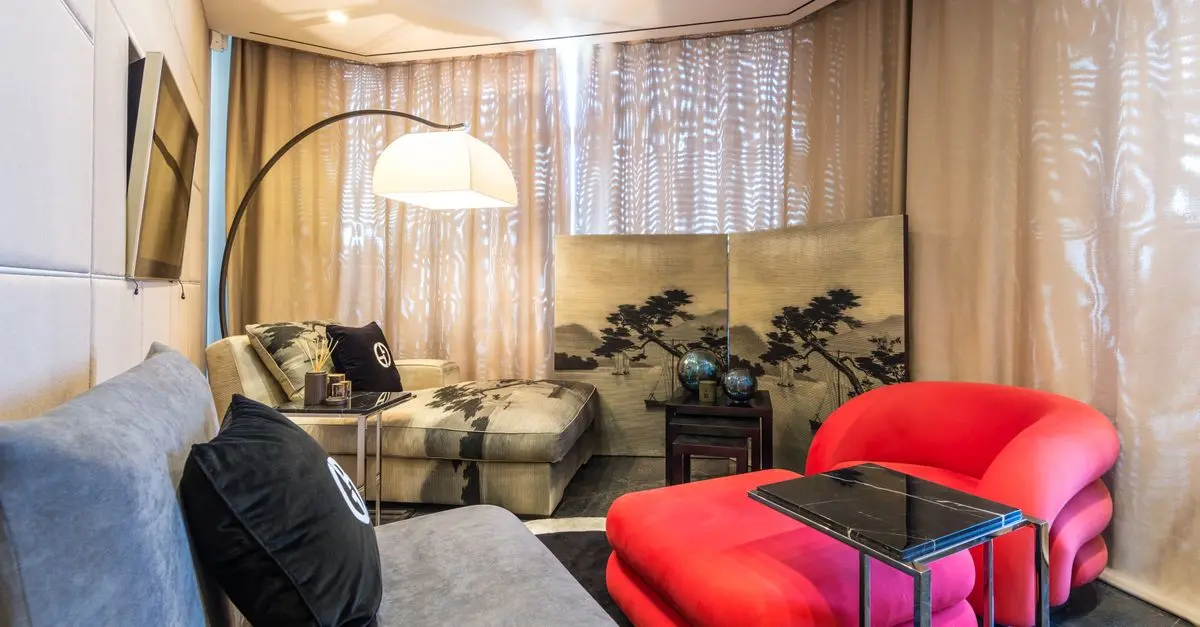
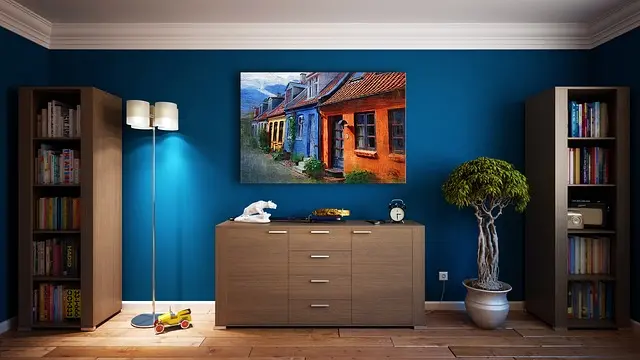
Before diving into equipment adjustments, evaluating the acoustics of your room is essential. Consider the dimensions, furniture layouts, and surface materials. Rooms that are too small, have excessive hard surfaces, or follow square dimensions might produce terrible sound quality.
- Identify Reflection Points: Use a mirror to find reflection points on walls where sound waves bounce back. These areas can create unwanted echoes and should be treated with acoustic panels or furniture.
- Bass Traps: If your setup allows, incorporate bass traps in corners to reduce low-frequency resonance. This simple addition can vastly improve your low-end response.
By addressing these factors, you create an optimal environment for sound reproduction, setting the foundation for a remarkable audio experience.
Step 2: Choose Your Equipment Wisely
Selecting Componentry
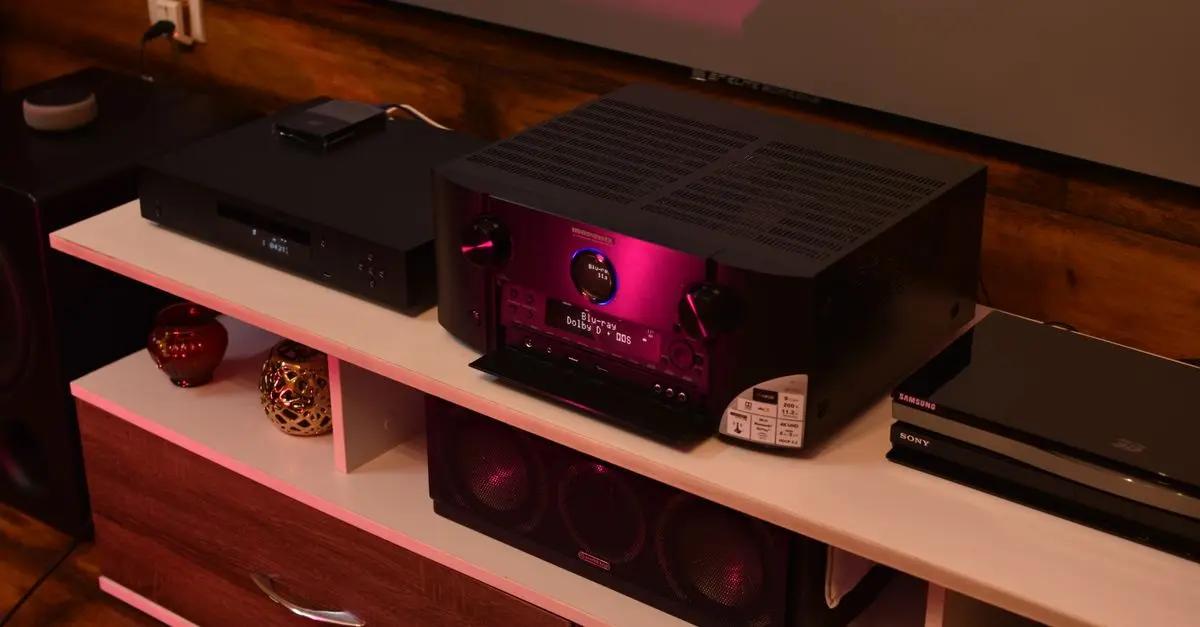
Choosing the right components to build your HiFi audio system is critical. Your setup's quality depends on the synergy between the source, amplifier, and speakers.
- Source Components: A high-quality digital-to-analog converter (DAC) is crucial for digital audio. A subpar DAC will hamper sound quality despite using premium speakers.
- Amplifiers: Class A amplifiers are often preferred for their sound quality but can be more expensive. Ensure compatibility and power output are adequate for your speakers.
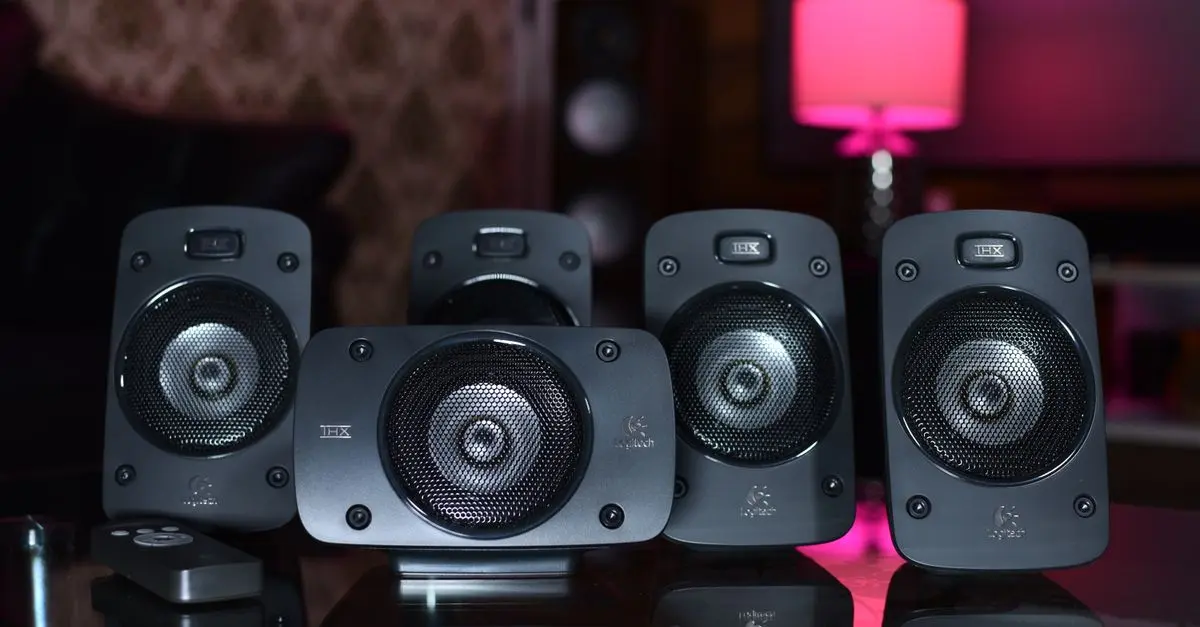
- Speakers: Proper size and rating matching to the room is vital. Research speaker types, such as floor-standing, bookshelf, or in-wall speakers, and ensure they fit your preferences and space.
The best component choice can depend on personal preference, budget, and listening style. Always try before you buy, if possible, to ensure comfort with your selections.


Step 3: Properly Position Your Equipment
Soundstage Enhancement
Now that you have your components, precise placement is pivotal. Proper positioning can enhance sound stage and imaging.
- Speaker Placement: Ideally, speakers should form an equilateral triangle with your listening position. This setup allows for an immersive listening experience. Experiment with angles and distances to find the sweet spot.
- Isolation: Avoid placing speakers directly on the floor; stands or isolation pads help reduce vibration and assist in clearer sound delivery.
Additionally, place your equipment symmetrically in relation to wall boundaries to help boost sound quality.
Step 4: Cables and Interconnects
Quality Matters
Cables are often overlooked in a HiFi setup, yet they can significantly affect sound quality.
- Audio Cables: Invest in bien-designed cables. Poor quality cables may introduce noise or reduce signal integrity. Look for well-shielded and robust connectors.
- Power Cables: Ensure that the components are powered adequately with appropriate gauge cables. Use power conditioners to help minimize electrical interference and noise.
Given the potential benefits, don’t shy away from upgrading your cables. Begin with the most critical connections first, such as between your DAC and amplifier.
Step 5: Fine-Tuning the Audio Settings
Adjusting for Optimal Sound
Regardless of your initial setup, fine-tuning will ensure you achieve the best possible sound from your audio system.
- Equalization: Use an equalizer to adjust the frequency response based on your preferences or room acoustics. Be mindful of the balance and avoid over-adjusting, which could lead to distortion.
- Phase Alignment: Ensure that your speakers are in phase for cohesive sound. Reversing the polarity of a single speaker can create blurriness in audio details.
- Volume Levels: Avoid pumping the volume too high, which can lead to distortion. Additionally, check the output volume from your source device.
This phase often involves a bit of experimentation. Use different tracks to identify how your adjustments affect various musical genres.
Step 6: Regular Maintenance and Calibration
Ensuring Longevity and Performance
Maintaining your HiFi audio setup is crucial for long-term performance.
- Dust and Clean Regularly: Dust accumulation on speakers and electronic components can affect performance. Use soft cloths and avoid any harsh chemicals.
- Calibration: Consider periodic professional calibration to ensure your system continues to perform at a high level.
- Listening Tests: Regular listening tests can help identify any deterioration in sound quality, prompting necessary adjustments or replacements.
Being proactive ensures your system remains in top shape, which ultimately prolongs its lifespan.

Checklist before purchase
- [ ] Assess room acoustics and treating issues
- [ ] Choose appropriate equipment based on preference
- [ ] Correctly position speakers and equipment
- [ ] Invest in quality cables and interconnects
- [ ] Utilize fine-tuning for optimal audio results
- [ ] Schedule regular maintenance checks
Glossary
| Term | Definition |
|---|---|
| DAC | A Digital-to-Analog Converter that processes digital audio to an analog signal. |
| Phase Alignment | Refers to ensuring that sound waves from speakers work in conjunction, rather than canceling out each other. |
| Acoustic Treatment | Methods to improve room acoustics through sound-absorbing or diffusing materials. |
📺 Resource Video
For more in-depth analysis on optimizing your audio setup, check out YouTube for videos related to "how to optimize your HiFi audio setup."
🧠 Quiz rapide : What’s the most crucial component for sound quality?
- A) Speakers
- B) Cables
- C) Room acoustics
Réponse : C — Room acoustics can significantly change sound perception.
📺 Pour aller plus loin : how to optimize your HiFi audio setup sur YouTube
Recommended products
Selected by our experts


Night Owl - Add_On 2-Camera Deterence 2K Security Camera with 2-Way Audio - White
bestbuy.com
Night Owl - Add_On 2-Camera Deterence 2K Security Camera with 2-Way Audio - White
bestbuy.com