Table of Contents (21 sections)
Creating the perfect HiFi audio setup takes careful planning and attention to detail. Being an audiophile isn't just about owning high-quality equipment; it's about how you optimize each component for the best performance. This guide will walk you through essential steps to enhance the performance of your HiFi audio system.
1. Understanding Your Environment
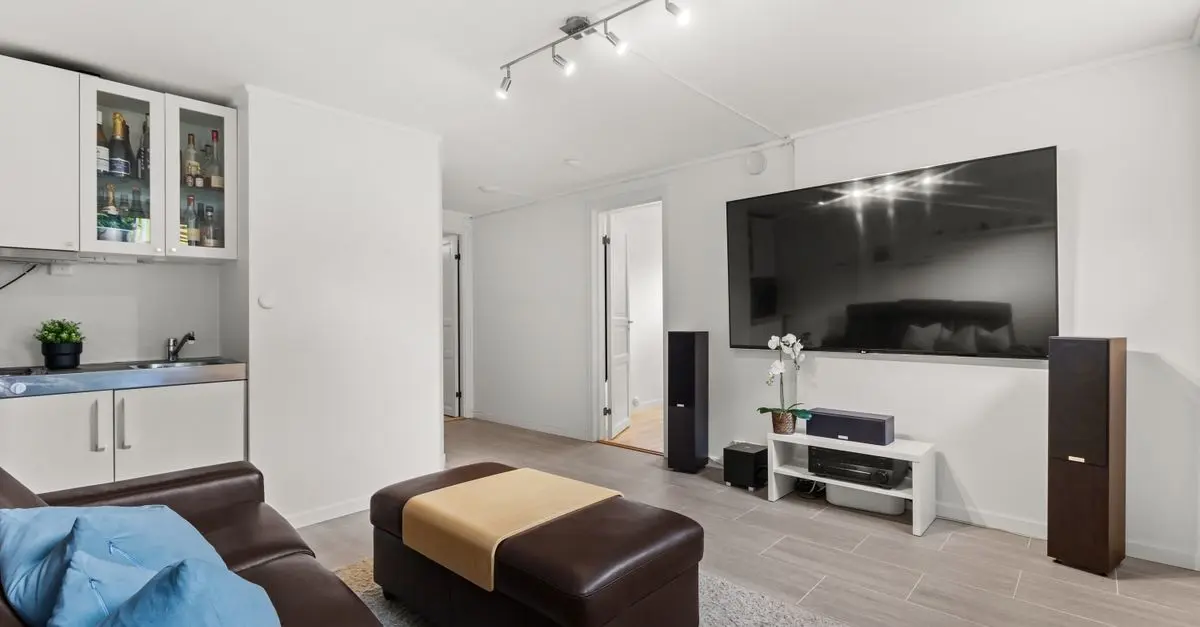
Before diving into equipment selection and settings, understanding your listening environment is crucial. The characteristics of your room can greatly affect sound quality. Factors such as room size, shape, and furnishings can alter acoustics, making it vital to consider these elements when setting up your HiFi system.
Room Acoustics and Treatment
The first step is analyzing the acoustics of your space. Hard surfaces like tiled floors and glass create reflections, while soft furnishings absorb sound. Aim for a balance:
- Reflective Surfaces: Use area rugs or wall treatments to mitigate excessive reflection.
- Bass Traps: If you notice bass notes overpowering others, consider adding bass traps in corners where low frequencies tend to build up.
- Sound Absorption: Use sound-absorbing panels to control echoes, especially in larger rooms with high ceilings.
Measurements to Consider
Test the listening environment with a sound level meter or an app. This helps identify problem areas. Adjust speaker placements and room treatments based on these initial readings. You may invest in sound analysis tools for more in-depth insights—highly recommended for enthusiasts aiming for the best sound.
2. Choosing the Right Equipment
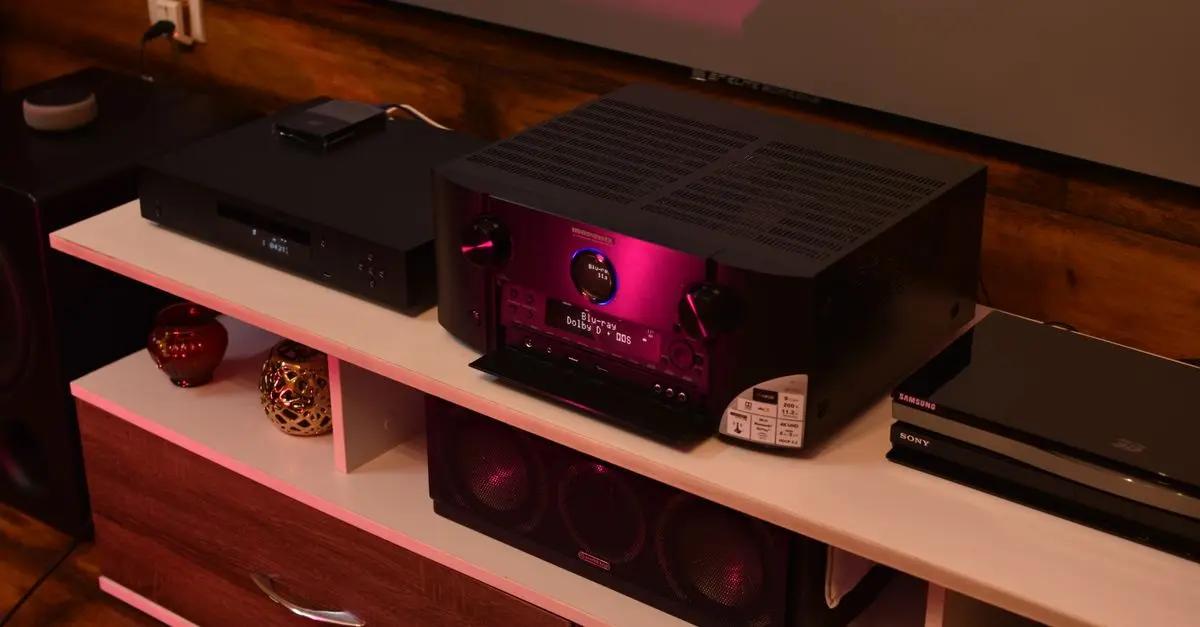
Selecting the right equipment is the centerpiece of optimizing your HiFi audio setup. Not only should you consider your listening habits, but you should also account for compatibility among components. Here’s a breakdown of essential components:
Speakers
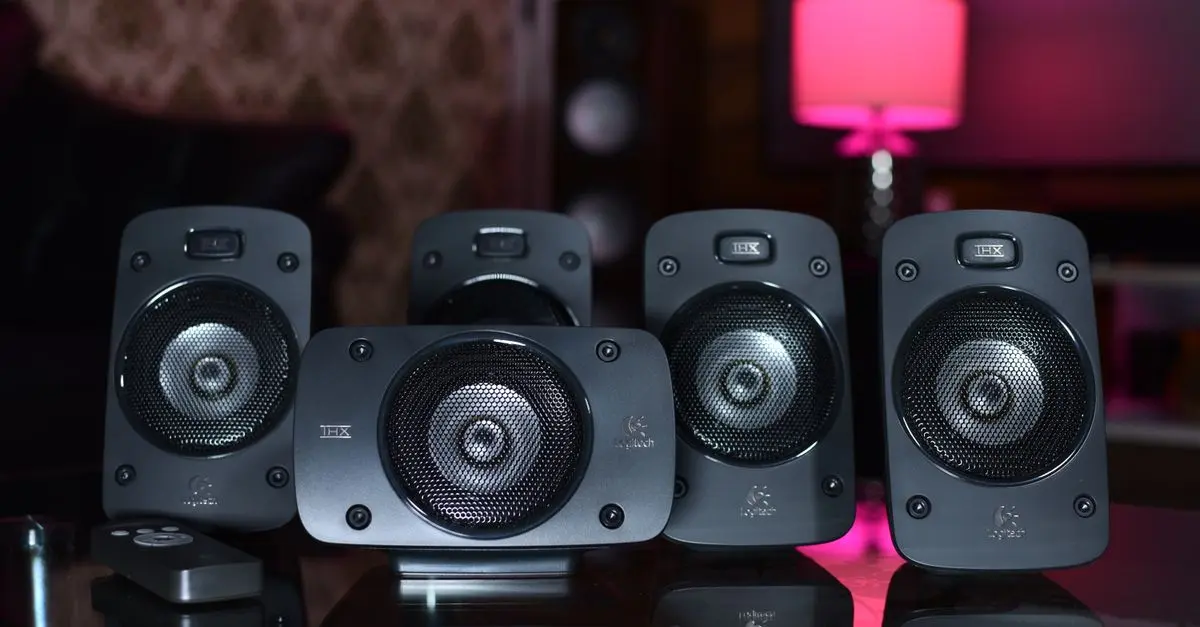
- Types: Floor-standing, bookshelf, and active speakers serve different needs. Floor-standing speakers are great for large rooms, while bookshelf models fit into smaller spaces but require stands or shelves.
- Specifications: Look for sensitivity ratings and power handling attributes to ensure they match your amplifier.
Amplifiers
Choose an amplifier that complements your speakers. High-quality amplifiers enhance dynamics and clarity in sound. Match wattage ratings appropriately to avoid damaging either the amplifier or the speakers.
Source Components
Your source component, whether a turntable, digital audio player, or an integrated system, greatly affects performance:
- Digital Sources: Use high-resolution audio files (FLAC, DSD) for superior sound quality.
- Analog Sources: Ensure your turntable has a good cartridge matched with your amplifier to avoid compromising audio depth.


3. Connecting Components
The way you connect your HiFi components can drastically impact sound quality. Here are some important considerations:
Quality Cables
Investing in quality cables may seem trivial, but it has significant benefits. Poor cables can introduce noise and interfere with sound signals:
- Speaker Wire: Use the correct gauge to ensure efficient signal transfer, especially over longer distances.
- Interconnects: Choose shielded cables for analog connections to prevent hum and interference.
Setup and Connectivity
Opt for a layout that minimizes obstruction. Equipment should be placed in a way that maintains signal integrity and reduces interference from electronic devices. If you’re using a wireless setup, make sure your WiFi signal is strong and stable.
4. Calibration and Fine-Tuning
Once everything is set up, the next step is calibrating components for optimal performance:
Speaker Placement
Experiment with the toe-in angle of your speakers and distance from walls. Small adjustments can provide significant changes in soundstage and imaging. Some general tips include:
- Place speakers at least a few feet away from walls to improve bass response.
- Maintain an equilateral triangle between your listening position and speakers for better sound balance.
Room Correction Systems
Consider using digital room correction technology. These systems analyze your room’s acoustics and adjust the output of your speakers automatically. Results may vary, so it's essential to review reports on effectiveness.
5. Regular Maintenance and Updates
Lastly, constant maintenance and occasional upgrades can keep your HiFi audio setup in peak condition:
Cleaning
Regularly clean your equipment to maintain performance. Dust and grime can inhibit functionality:
- Use microfibre cloths for delicate surfaces and cleaning solutions designed for electronics.
- Check connections and replace worn-out cables as needed.
Upgrades
Stay informed about new technologies and consider upgrades when necessary. For instance, upgrading your DAC or adding streaming capabilities can significantly enhance your listening experience.
Checklist before your setup
- [ ] Analyze room acoustics and make necessary adjustments.
- [ ] Choose compatible speakers and amplifiers based on your space.
- [ ] Use quality cables for connections.
- [ ] Experiment with placements and calibration.
- [ ] Maintain and update equipment regularly.
Glossary
| Terme | Définition |
|---|---|
| DAC (Digital to Analog Converter) | A component that converts digital audio signals into analog form for playback through speakers. |
| Room Correction | Technology used to adjust sound output based on environmental acoustics to enhance audio quality. |
| Acoustic Treatment | Changes made to a room to improve sound properties, like reducing echo and enhancing clarity. |
📺 Resource Video
> 📺 To go further: Explore How to Optimize Your HiFi Audio Setup, a comprehensive analysis of HiFi audio techniques. Search for: "how to optimize your HiFi audio setup"
🧠 Quick Quiz:
> What is the most crucial aspect to consider while optimizing HiFi audio?
> - A) Speaker Brand
> - B) Room Acoustics
> - C) Type of Music Played
> Answer: B — Room acoustics significantly affect the quality of sound you will experience.
By following these tried and true methods for optimizing your HiFi audio setup, you enhance your listening experience exponentially. Make sure to implement these strategies and enjoy your music like never before!
📺 Pour aller plus loin : how to optimize your HiFi audio setup 2026 sur YouTube
Recommended products
Selected by our experts


Night Owl - Add_On 2-Camera Deterence 2K Security Camera with 2-Way Audio - White
bestbuy.com
Night Owl - Add_On 2-Camera Deterence 2K Security Camera with 2-Way Audio - White
bestbuy.com