Table of Contents (10 sections)
In the world of audio, achieving the best sound quality is often a mix of the right components, optimal placement, and personal preferences. If you're looking to optimize your HiFi audio setup, you've come to the right place. This guide will walk you through essential steps to enhance your listening experience, whether you're an audiophile or a casual listener.
Step 1: Understanding Your Components
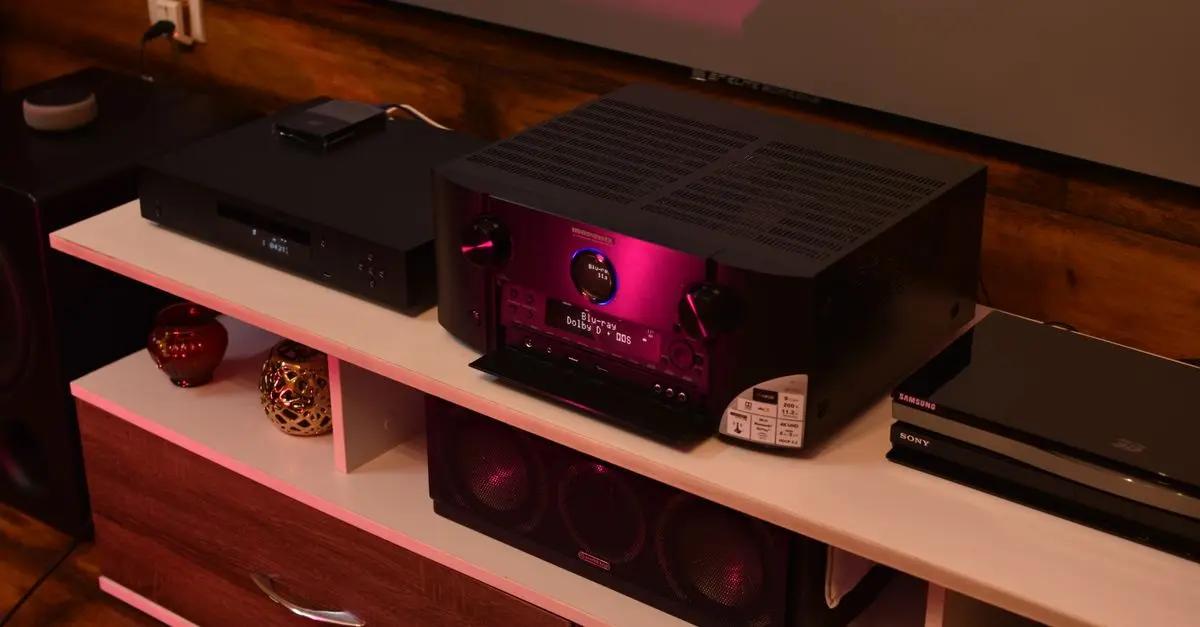
Before diving into optimization techniques, it's vital to understand the key components of your audio setup. Common elements include amplifiers, speakers, and source devices like DACs and turntables. Each component plays a crucial role in sound reproduction.
For instance, amplifiers are designed to drive your speakers, while DACs (Digital-to-Analog Converters) convert digital audio signals into analog. Understanding these roles is essential as it guides you in troubleshooting issues and making informed upgrades.
Before upgrading components, research what specifications best meet your listening needs. According to UFC-Que Choisir, investing in high-quality cables and connectors can also yield noticeable improvements. Ensure your equipment matches well in terms of impedance and power ratings for optimal performance.
Step 2: Room Acoustics
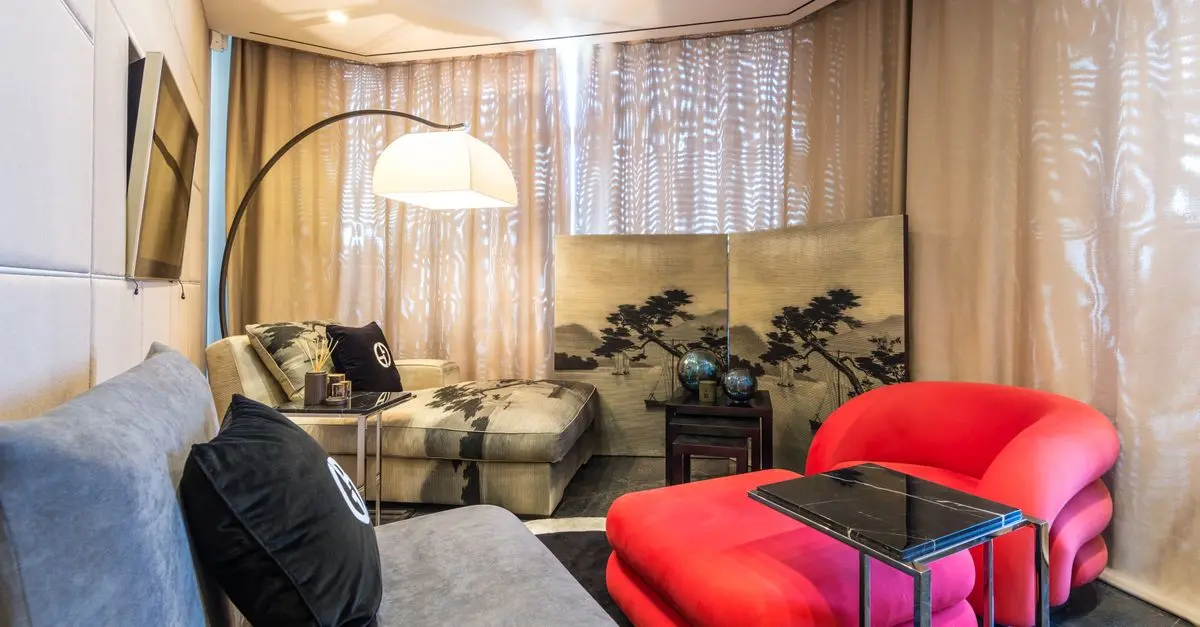
One often-overlooked factor in audio quality is room acoustics. Sound waves interact with your environment, and poor acoustics can muddy even the best setups. A room’s size, shapes, and furnishings can significantly influence sound distribution.
To optimize your space, try following these steps:
- Identify Reflection Points: Sit in your listening position and clap your hands. The areas where you hear echoes may need treatment, like acoustic panels or sound-absorbing materials.
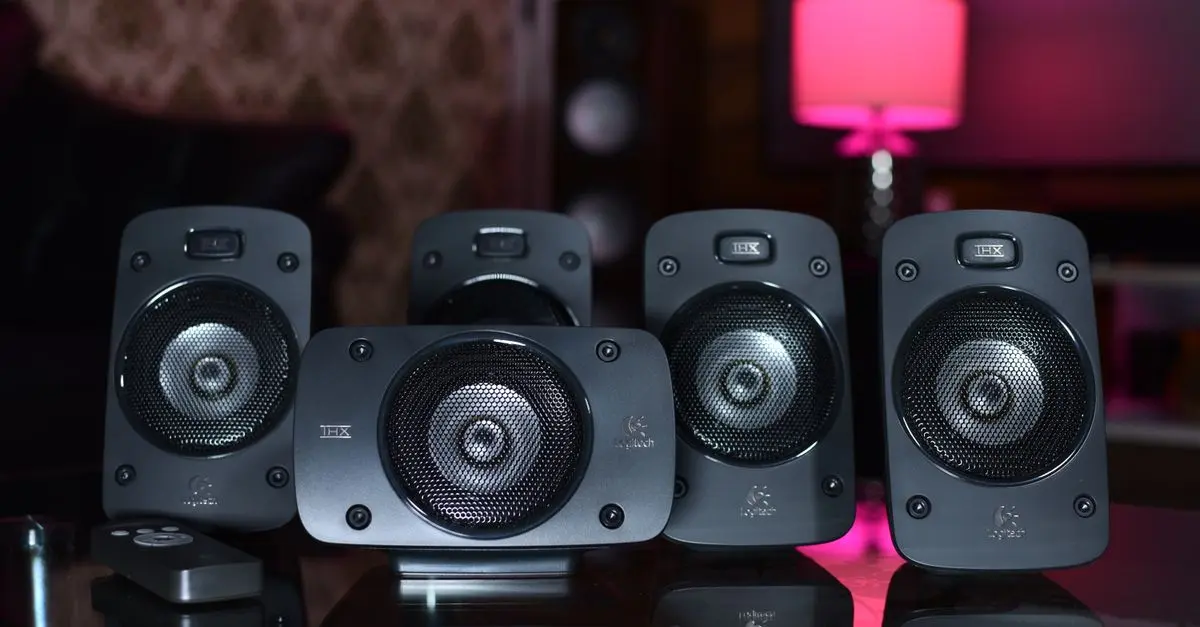
- Speaker Placement: Position speakers away from walls and ensure they're angled slightly towards your listening position for a more direct sound.
- Furniture Arrangement: Soft furniture can absorb sound and help reduce echoes. Consider rearranging your room or adding rugs and curtains to improve acoustics.
A practical example is the way a sofa can act as a sound barrier or enhancer depending on its placement. Ensuring an even distribution of sound throughout the space enhances clarity and presence.


Step 3: Proper Connections
Connecting your audio components properly is critical for achieving the best audio quality. Ensure that all cables are high-quality and appropriately matched to the devices they connect. For example,
- Avoid long runs of thin wire which can cause loss of fidelity.
- Utilize balanced connections wherever possible to minimize interference.
- Label your cables to avoid confusion, especially when disconnecting or troubleshooting.
Pro Tip: Using connectors designed specifically for audio tasks can reduce noise and enhance clarity. Consider corrosion-resistant cables for long-lasting quality.
Step 4: Calibration and Fine-Tuning
Once your setup is configured, it’s time to calibrate. This process involves adjusting the settings on your components to achieve a balanced sound. Many modern receivers and DACs come with automatic calibration tools; however, manual adjustments also play a vital role.
Start by using a sound level meter to measure output levels across all speakers. Make adjustments until a balanced sound stage is achieved. Sample test tracks—like those from 60 Millions de Consommateurs—can help you gauge frequency response. Ensure bass isn’t overpowering by adjusting subwoofer levels accordingly.
Common Pitfall: Don’t rely solely on automatic settings. Personal preference plays a huge role in sound quality. Adjust settings to suit your taste and don’t hesitate to fine-tune over time.
Step 5: Regular Maintenance
Lastly, remember that a HiFi audio setup requires upkeep. Periodically check your connections, clean your components, and replace worn-out cables. Dust and debris can accumulate, affecting sound quality.
If your system is experiencing sound dropouts or interference, inspect the cables and connectors for wear. Additionally, consider degaussing your speakers every few months to maintain audio fidelity. Lastly, perform a listening test regularly to ensure you're still satisfied with the sound quality.
Checklist Before You Optimize
- [ ] Assess your current components.
- [ ] Review room acoustics.
- [ ] Check all connections and cables.
- [ ] Calibrate according to personal preference.
- [ ] Schedule regular maintenance.

Glossary
| Terme | Définition |
|---|---|
| DAC | Dispositif qui convertit les signaux audio numériques en signaux analogiques. |
| Acoustique | Science qui étudie le son et son interaction avec les surfaces environnantes. |
| Égalisation | Ajustement des niveaux de fréquence pour équilibrer le son. |
> 📺 For further learning: Search for videos on YouTube using the keywords "how to optimize HiFi audio setup" for practical demonstrations and expert advice.
CHECKLIST BEFORE YOU BUY:
- [ ] Verify room acoustics before setup.
- [ ] Assess component compatibility.
- [ ] Check for appropriate cables.
- [ ] Calibrate settings post-installation.
- [ ] Schedule regular checks and maintenance.
In conclusion, optimizing your HiFi audio setup is essential for achieving the best sound experience possible. By understanding your components, improving room acoustics, and maintaining your gear, you'll enjoy superior audio quality.
Recommended Products
- AirPods Pro 2nd Gen – A must-have for seamless integration with your HiFi system.
- Audio Mixer – Enhance your sound mixing experience for greater control.
- High-quality Speaker Wires – Essential for connecting your audio components effectively.
- Premium DAC 3 – Produces exceptional sound quality for high-fidelity playback.
- Analogue HiFi Speakers – Perfect for a dynamic listening experience.
Always seek feedback after optimizing and consider user experiences to tweak settings over time for maximum enjoyment.
📺 Pour aller plus loin : how to optimize HiFi audio setup sur YouTube
Recommended products
Selected by our experts

Night Owl - Add_On 2-Camera Deterence 2K Security Camera with 2-Way Audio - White
bestbuy.com
Night Owl - Add_On 2-Camera Deterence 2K Security Camera with 2-Way Audio - White
bestbuy.com