Table of Contents (10 sections)
Setting up a HiFi audio system can be challenging, but with the right approach, you can achieve an exceptional listening experience. Whether you are a seasoned audiophile or a novice, this comprehensive guide will walk you through the necessary steps to ensure your audio system sounds its best.
1. Understanding Your HiFi Audio System Components
Before diving into the setup process, it's crucial to understand the key components of a HiFi audio system. Typically, your system will include:
- Source devices (like CD players, turntables, or streaming devices)
- Amplifiers (which boost the audio signal)
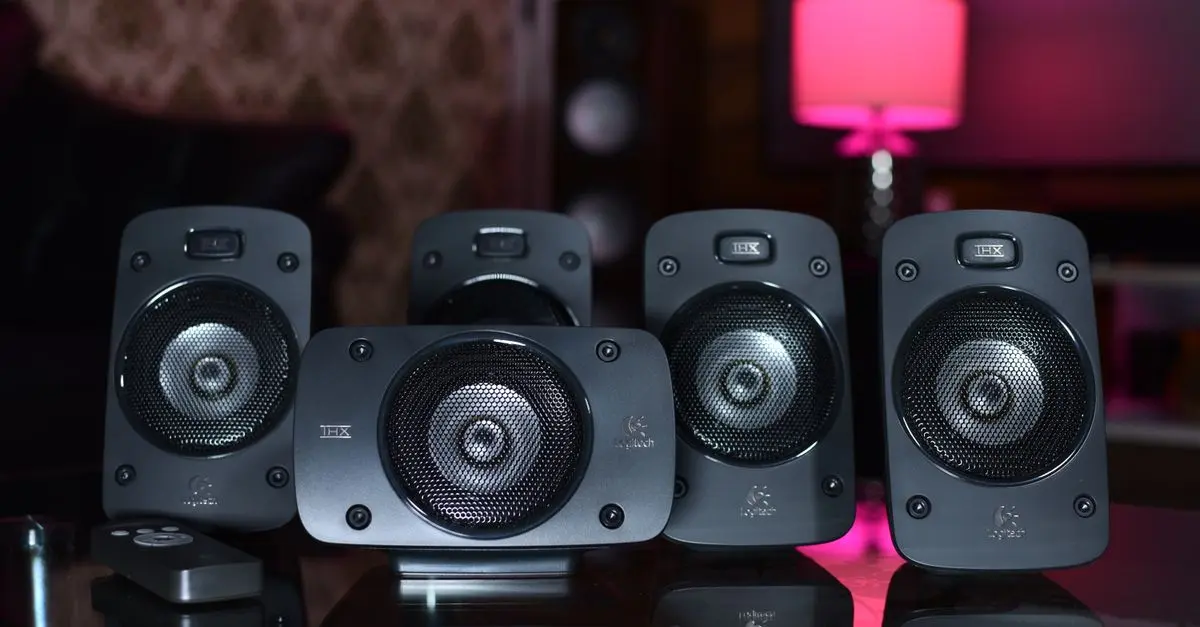
- Speakers (delivering the final sound output)
- Cables (connecting all components)
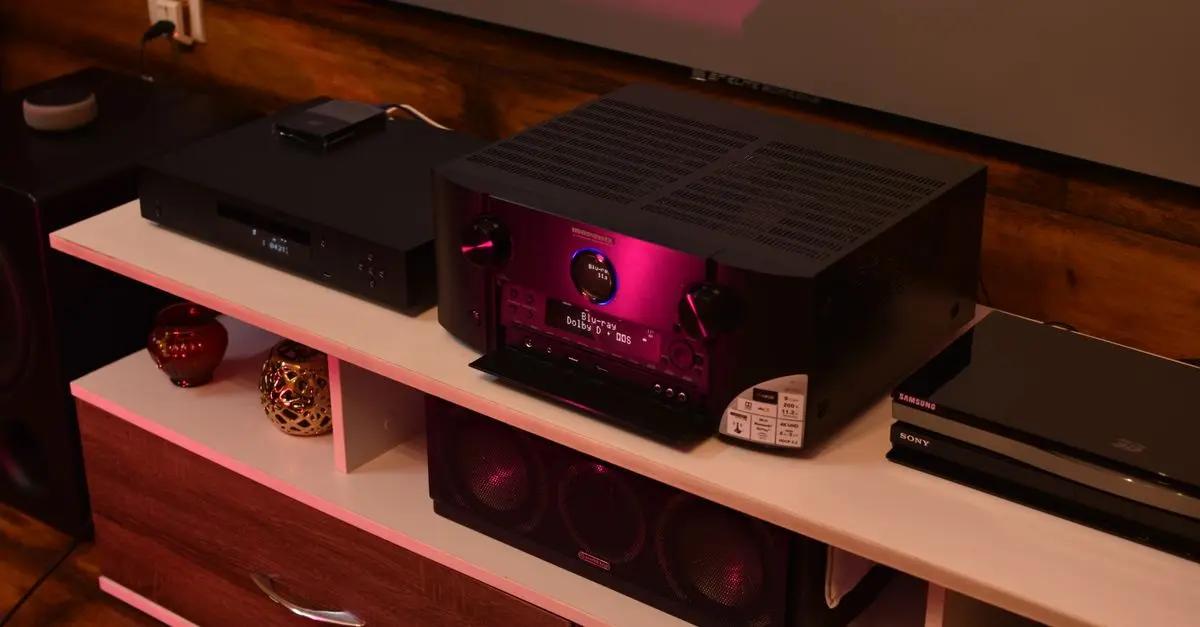
Understanding each component's role in the system will help you make informed decisions about placement and connections. For instance, a good quality amplifier can make a significant difference in sound clarity and volume. Aim for brands known for reliability and performance, such as Yamaha, Denon, or Marantz. Check for compatibility between your components, especially between the amplifier and the speakers to ensure they can handle the output power.
2. Choosing the Right Location
The placement of your HiFi audio system can significantly influence sound quality. Follow these tips for optimal placement:
- Speakers: Position them at least a few feet away from walls to avoid distortion and reflections. Ideally, they should form an equilateral triangle with your listening position.
- Amplifiers: Keep them in a well-ventilated area to prevent overheating, especially if you're using high-wattage speakers.
- Source Devices: Ensure easy access and visibility to switch devices without hassle.
Surrounding furniture and even the room shape can affect acoustics, so consider soft furnishings to assist in sound absorption. For dedicated listening rooms, acoustic panels can eliminate unwanted echoes and clarity loss.
3. Connecting Your Audio System
Properly connecting your equipment is crucial for optimal performance. Here’s a straightforward method:
- Connect your source device to the amplifier using RCA cables or optical cables depending on your device. Ensure the connections are secure.
- Link the amplifier to your speakers. Pay attention to polarity; typically, red is positive, and black is negative. Connecting a speaker incorrectly can cause issues with sound quality.
- Test all connections before finalizing the setup. Play a familiar track and listen for any distortion or imbalance in sound. Adjust wire organization to prevent interference and ensure a clean setup.
4. Calibrating Your System
Once everything is connected, it's time to calibrate your audio settings. Calibration ensures that all components work harmoniously, providing the best sound quality. Here’s a step-by-step process:
- Use a sound meter or calibration microphone: These tools can help analyze your room's acoustics.
- Adjust speaker levels: Use the amplifier's settings to balance the sound output from each speaker. Ideally, the listening position should have a well-distributed, balanced sound.
- Modify EQ settings: Experiment with treble and bass levels to suit your preferences. Start with neutral settings and adjust as needed.
Regularly re-calibrate your system, especially after changing the room layout or purchasing new components.
5. Fine-Tuning and Listening
To truly appreciate your HiFi audio system, take the time to fine-tune your setup. Here are tips to reach optimal performance:
- Play a variety of music to test different frequencies and dynamic ranges.
- Listen from different positions: Your ideal spot may vary based on room acoustics. Experiment to find the sweet spot.
- Consider accessories: Isolation pads under speakers can minimize vibrations, improving sound clarity.
Maintaining consistent sound quality in your HiFi system might require ongoing adjustments based on your listening habits and music types.
📺 Resource Video
> 📺 For further details: How to Optimize Your HiFi Audio System Setup. Search for this on YouTube for an in-depth analysis of creating the best sound quality.
6. Common Mistakes to Avoid
Setting up your HiFi audio system can lead to common pitfalls. Here’s a list of mistakes to steer clear of:
- Neglecting room acoustics: Not considering the effects of wall materials, furniture placement, and other environmental factors can hinder sound performance.
- Poor cable management: Cables should not run parallel to power cords to avoid interference.
- Ignoring specifications: Always check compatibility between speakers and amplifiers to prevent damage or sound issues.
Checklist Before You Start Setting Up
- [ ] Ensure the suitability of your room for audio setup.
- [ ] Gather all necessary cables and connectors.
- [ ] Confirm compatibility between components.
- [ ] Plan speaker positioning and listening area.
- [ ] Keep tools for calibration ready.
Glossary
| Term | Definition |
|---|---|
| HiFi | Short for High Fidelity, referring to high-quality audio reproduction. |
| Amplifier | A device that increases the amplitude of audio signals. |
| Frequency Response | A measurement of the range over which an audio device effectively produces sound. |
> 🧠 Quick Quiz: What does HiFi stand for?
- A) High Fidelity
- B) Hi Frequency
- C) High Functionality
Answer: A — HiFi stands for High Fidelity, indicating superior sound quality.