Table of Contents (9 sections)
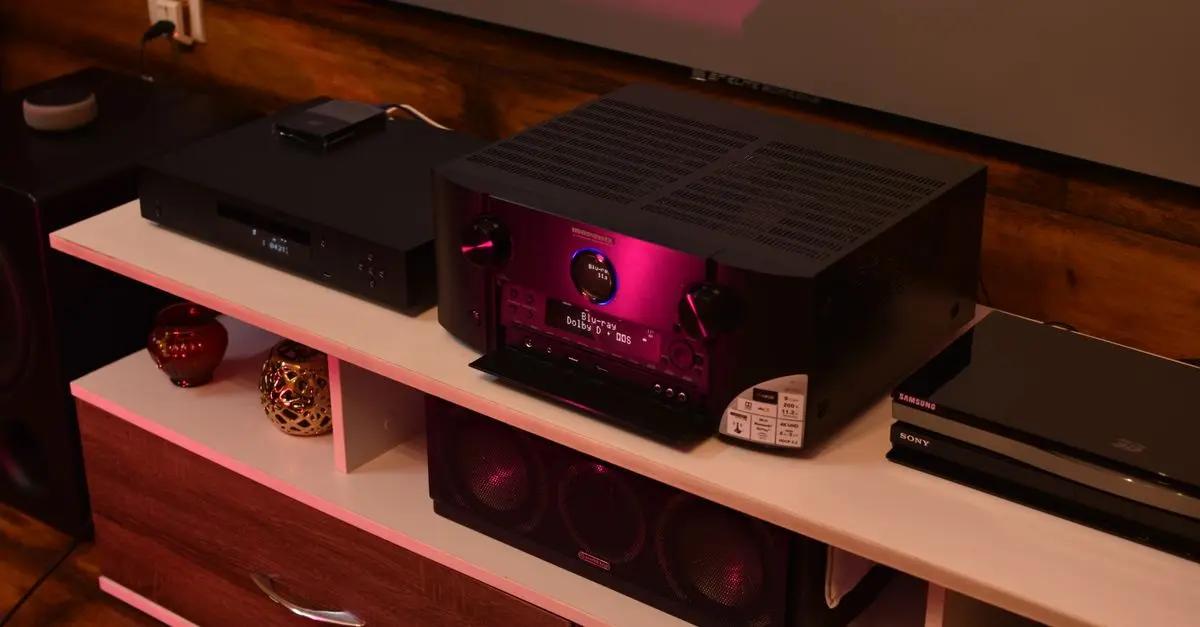
Setting up a HiFi system requires more than just assembling components; it demands careful attention to detail and an understanding of acoustics. Proper configuration can significantly enhance your listening experience, allowing you to enjoy your favorite music the way it was intended to be heard. In this article, we’ll cover essential HiFi system setup tips to ensure you achieve optimal sound quality.
1. Choosing the Right Room
The first step in effective HiFi system setup is selecting the right room. Consider the dimensions and shape of the space. Square rooms tend to produce sound waves that interfere with each other, leading to echoes and standing waves. Aim for a rectangular room with minimal parallel surfaces to avoid these issues. According to sound engineers, the best room dimensions typically have a ratio close to 1:1.5:2.
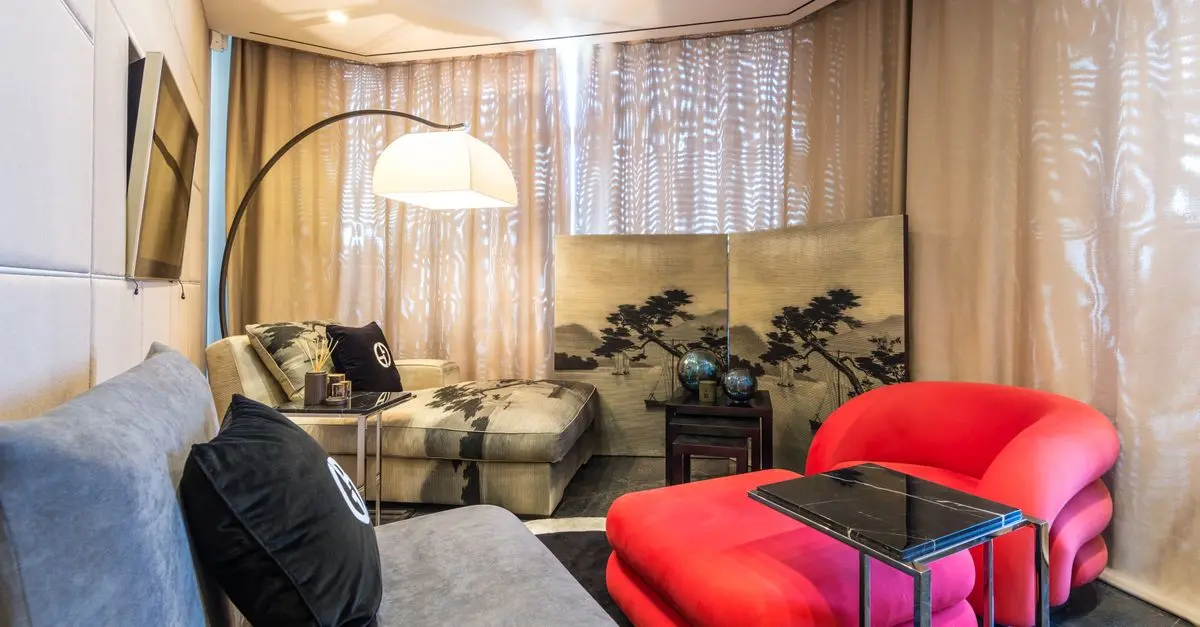
Also, consider the furnishings in the room. Sofas, curtains, and carpets can absorb sound waves, while hard surfaces like tiles and glass reflect them. Use this to your advantage by balancing soft and hard surfaces to create a more controlled acoustic environment.
Tip: Before finalizing your room, use measurement apps to analyze acoustics; tools like the Sonarworks SoundID can provide an accurate understanding of sound reflections in your chosen space.
2. Proper Speaker Placement
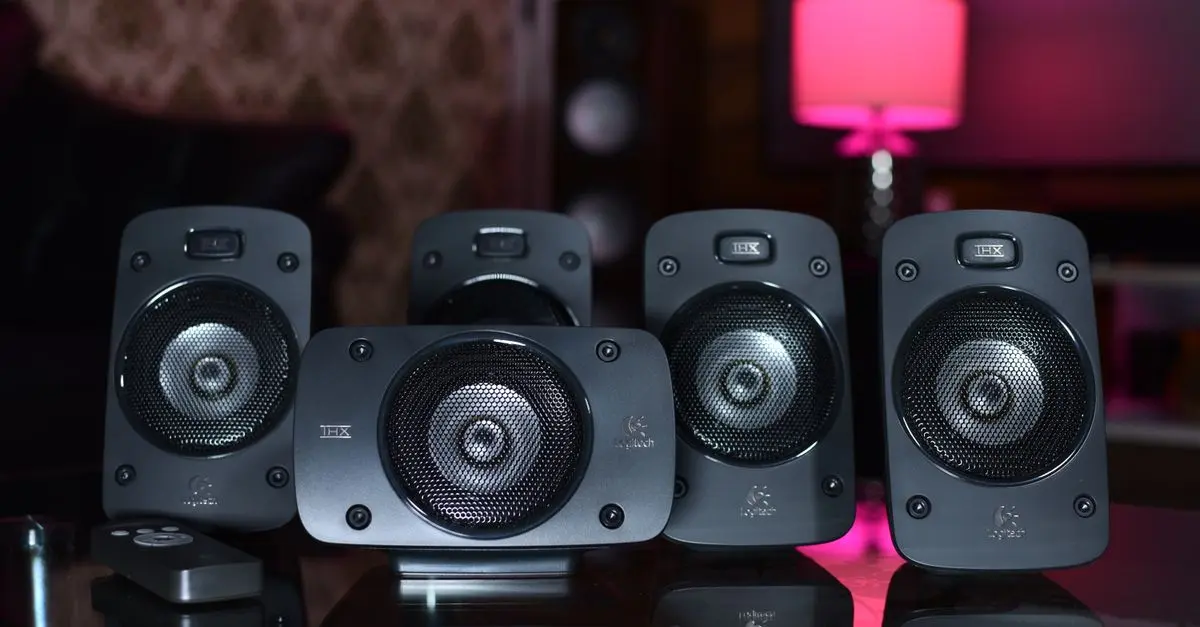
Getting the positioning of your speakers right is critical for achieving the best sound quality. Follow these guidelines:
- Distance from walls: Typically, speakers should be at least 1-2 feet away from walls to avoid unwanted bass buildup.
- Tweeter height: The tweeter (the small speaker responsible for high frequencies) should be at ear level when you’re seated. This helps maintain a direct line of sound.
- Equilateral triangle: Position your speakers and listening area to form an equilateral triangle for balanced sound distribution.
Common mistakes include placing speakers too close to the wall or facing them directly at the listener without any angle. Adjust the angle slightly outward for a broader soundstage.
Pro Tip: Use a smartphone app to determine the best distance and angles for your speakers based on your room's acoustics.

Momento - 2K UHD M8 Pro Dash Camera System (Front and Rear Camera) - Black
bestbuy.com

eufy PoE NVR Security System S4 Max+Turret Camera E41+ Bullet Camera E40
eufy.com
Cuisinart Coffee Plus 12-Cup Coffeemaker and Hot Water System
bedbathandbeyond.com
3. Connecting and Setting Up Equipment
Now that you have the room and speaker placement sorted, it's time to connect your components. Use quality cables suited for your system. Signal loss occurs with poor quality cables, affecting sound quality.
- Invest in good speaker cables: Look for cables with high-quality copper for better conductivity.
- Use interconnects: Select appropriate interconnect cables to link components like the amplifier and the receiver; balanced options help reduce noise.
Next, ensure your devices are positioned correctly. Keep amplifiers and receivers in a well-ventilated area to prevent overheating. Avoid running cables in parallel to power cords, as this can create electromagnetic interference, affecting sound quality.
Avoid common pitfalls: Don’t mix different lengths of speaker cable, as this can lead to an unbalanced sound.
4. Calibration and Equalization
Once everything is connected, it’s crucial to calibrate your setup. Most modern receivers come with automatic calibration tools that analyze your room's acoustics and adjust the sound accordingly.
- Use the Room EQ Wizard software to perform room measurements and fine-tune the equalization settings.
- Adjust the frequency response manually to tailor the sound to your preference, making sure to maintain clarity in the mids and highs.
Data Insight: According to CEDIA, correct calibration can boost perceived sound quality by up to 30%, significantly enhancing your listening experience.
Common traps: Dismiss the need for manual adjustments after automatic calibration; minor tweaks can yield major improvements.
5. Regular Maintenance and Upgrade Considerations
To keep your HiFi system performing at its best, regular maintenance is key. This includes:
- Dusting components: Keep devices free of dust and grime to allow efficient cooling and functionality.
- Upgrading components: As technology advances, consider upgrading DACs or speakers to enhance performance.
Check user feedback: Regularly review customer feedback on new components to know which upgrades can provide noticeable improvements.
Checklist Before Finalizing Your Setup
- [ ] Choose an appropriate room with minimal noise interference.
- [ ] Position speakers to form an equilateral triangle with the listening area.
- [ ] Use quality cables and avoid electromagnetic interference.
- [ ] Calibrate your system using automatic tools and make manual adjustments as needed.
- [ ] Conduct regular maintenance and consider future upgrades.
Conclusion
By applying these HiFi system setup tips, you're on your way to enjoying immersive audio experiences like never before. An optimal setup not only enhances sound quality but also transforms how you listen to music, bringing you closer to the artist’s intended vision.
📺 For further insights: Search for "How to set up your HiFi system" on YouTube for expert tips and visual guidance.

Cuisinart - Coffee Plus 12-Cup Coffeemaker & Hot Water System - Black
bestbuy.com
Cuisinart - Coffee Plus 12-Cup Coffeemaker & Hot Water System - Black
bestbuy.com
Smart Caregiver Complete Bed and Chair Exit Monitoring System
concordhealthsupply.com
Glossary
| Term | Definition |
|---|---|
| DAC | A digital-analog converter that transforms digital audio signals into analog. |
| Calibration | The process of adjusting your system to achieve optimal sound quality based on your room's acoustics. |
| Acoustics | The branch of physics concerned with the study of sound. |
---
📺 Pour aller plus loin : how to set up your HiFi system sur YouTube
Recommended products
Selected by our experts
Top Demand Picks GD7 PRO Router Lift For 65mm 69mm Wood Router, Precision Woodworking Lift System For Router Table Set Up With Aluminum style 2
inspireuplift.com
Top Demand Picks GD7 PRO Router Lift For 65mm 69mm Wood Router, Precision Woodworking Lift System For Router Table Set Up With Aluminum style 1
inspireuplift.com
EILEEN FISHER System Lightweight Viscose Jersey Slim Tank White female size:2X
eileenfisher.com
EILEEN FISHER System Lightweight Viscose Jersey Crew Neck Shell Black female size:2X
eileenfisher.com