Table of Contents (9 sections)
Creating a HiFi home theater goes beyond just purchasing equipment. It involves understanding your space, choosing the right components, and ensuring everything is optimized for peak performance. This guide is structured into detailed steps, each designed to assist you through the process of setting up your ideal home theater, with tips and common pitfalls to avoid along the way.
1. Understanding Your Space
Before diving into the technical aspects, it's important to evaluate the room you want to convert into your home theater. Different environments come with distinct challenges and opportunities.
- Room Size and Shape: Larger rooms may require more powerful speakers and a bigger screen, while smaller rooms can feel cozy and intimate with the right setup. Consider the acoustics and seating arrangement, which can greatly affect sound quality. For instance, a rectangular room might provide better sound dispersion than a square one.
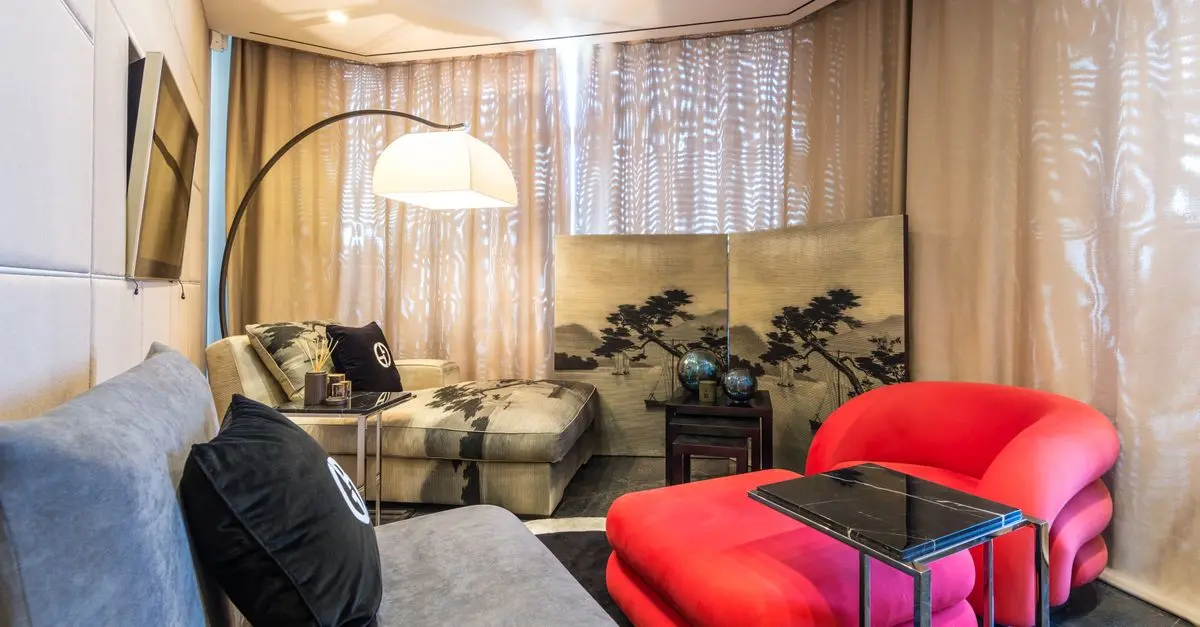
- Lighting Conditions: A dark room can significantly improve the image quality of your projector or TV. If you have windows, consider investing in blackout curtains to block out ambient light. This will enhance your viewing experience, particularly when watching movies or playing games.
- Positioning: Measure your space and mark where your screen, speakers, and seating will go to ensure optimal audio-visual alignment. Ideally, you'll want a viewing distance that’s approximately 1.5 to 2.5 times the diagonal size of your screen. This setup not only enhances visibility but also optimizes sound direction.
Knowing your space is crucial as it sets the groundwork for your entire setup. Take your time during this phase to think through how you’d like to use the room and what atmosphere you want to create.
2. Selecting Your Equipment
Now that you understand your space, it's time to choose the appropriate components for your HiFi home theater. The basic elements you will need include a display, sound system, and source devices.
- Display Options: Depending on your budget and space, you might choose between a flat-panel TV or a projector. Projectors give a cinematic feel and work well in larger spaces, while TVs are great for smaller areas. Look for one with 4K resolution or higher to future-proof your purchase.
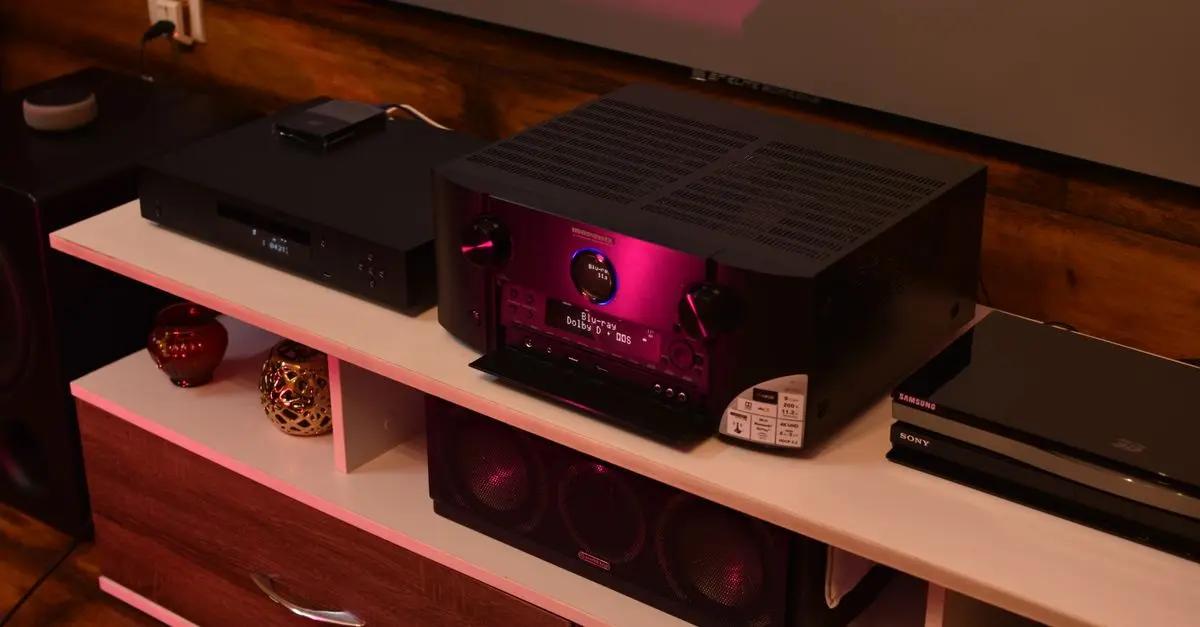
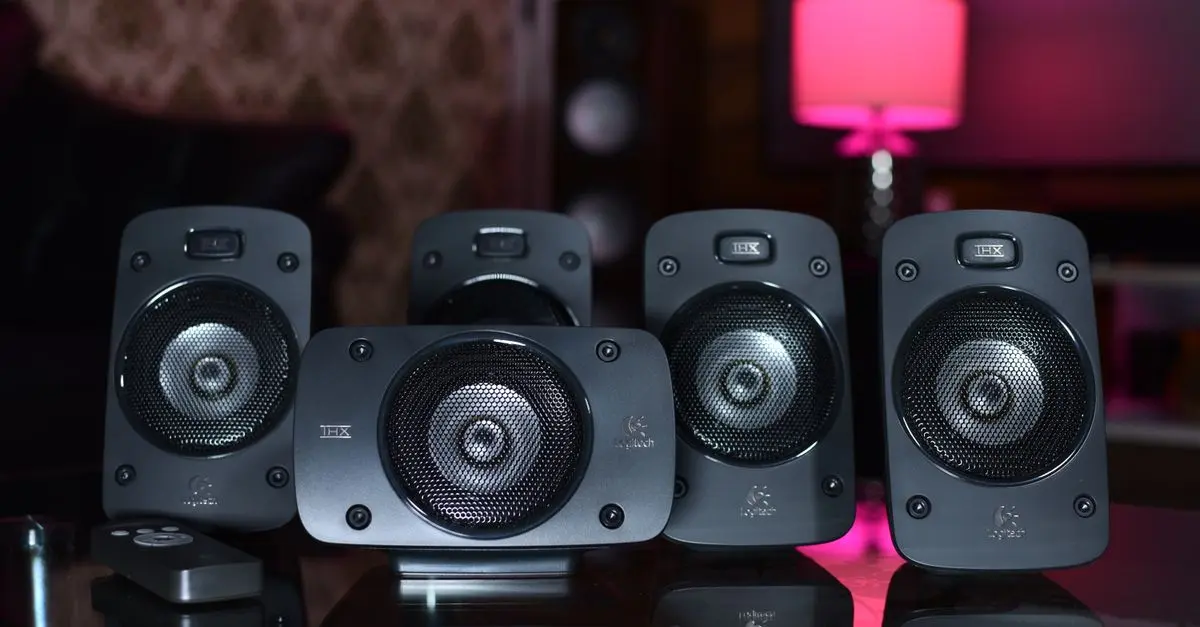
- Audio System: Consider a surround sound system to immerse yourself in the experience fully. A typical setup includes a receiver, speakers (at least five speakers for surround sound), and a subwoofer for rich bass. When selecting speakers, remember that brands renowned for their sound quality often invest in research and development to enhance their products.
- Streaming Devices and Blu-ray Players: With a variety of content formats available, choose devices that support 4K and HDR formats. Many streaming devices also provide easy access to apps like Netflix and Amazon Prime, giving you a wide array of content at your fingertips.
Research each component thoroughly. Look for reviews and performance benchmarks to ensure you’re investing in quality gear.
3. Setup Process
Once you have all the necessary equipment, you can start the setup process. This is where the magic begins.
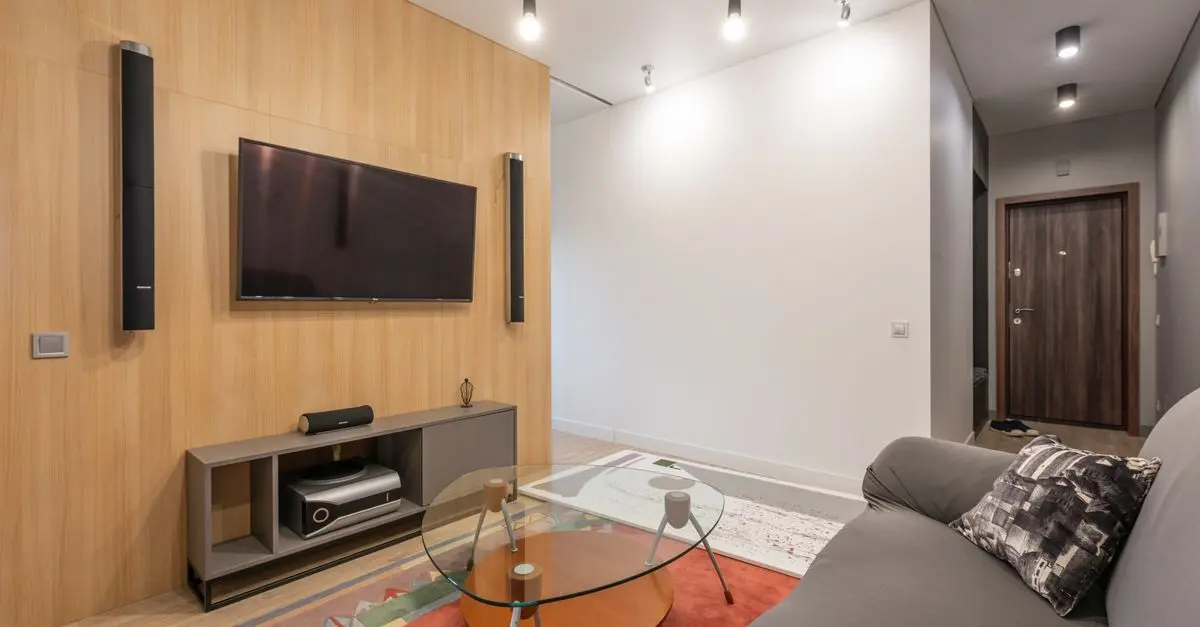
- Mounting the Display: If using a projector, ensure the mounting is at the correct height and distance for your screen size to avoid distortion. For TVs, wall mounts can save space and provide a clean look.
- Speaker Positioning: Arrange your speakers according to your chosen surround system. For a 5.1 setup, position the front speakers at ear level, while the subwoofer can be placed closer to the corner of the room to capitalize on low-frequency acoustics. Don’t forget to angle the surround speakers toward the seating area for maximum effect.
- Cabling: Manage your cables efficiently. Cable management systems can help you avoid tangling and maintain a clean aesthetic. Keep power and signal cables separated to minimize interference.
Proper installation of every component is vital for functional stability and optimal performance in your HiFi home theater. Following the best practices during this phase can make a significant difference in overall enjoyment.
4. Calibration and Testing
After setting everything up, it's essential to calibrate your home theater system for the best audio and visual experience.
- Picture Calibration: Most displays come with preset modes. Use calibration tools or services to ensure the colors and brightness levels are optimized for your room's specific lighting conditions.
- Audio Calibration: Many modern receivers offer room correction features that measure room acoustics and adjust speaker output for the best performance. Take the time to perform this process for optimal surround sound immersion.
- Source Testing: Test all your sources to ensure they’re working as expected. Play a variety of content, from movies to music, to determine how well everything performs across different formats.
Calibration can feel overwhelming, but testing and fine-tuning bring your setup to its full potential. Expect to spend a few hours during this phase as you experience everything your HiFi home theater can offer.
5. Maintenance and Upgrades
Maintaining your HiFi home theater is not as straightforward as setting it up, but it significantly extends the lifespan and enjoyment of your investment.
- Regular Updates: Keep your devices updated with the latest software to ensure optimum performance and security. Many devices receive firmware updates that improve functionality.
- Cleaning: Regularly clean your equipment, especially the screen and speakers, to ensure maximum clarity and sound quality. Dust can accumulate and affect both audio and video performance.
- Consider Upgrades: Technology advances rapidly; consider upgrading components as necessary. Look into newer technologies that can enhance your experience, such as 8K displays and improved sound systems.
A well-maintained home theater can provide enjoyment for years. Always be on the lookout for ways to enhance your setup as technology evolves.
Conclusion
Setting up a HiFi home theater is an adventurous project that can elevate your entertainment experience to unprecedented heights. By understanding your space, selecting the right equipment, following proper installation techniques, and performing regular maintenance, you can create a stunning environment.
Checklist before Setup
- [ ] Evaluate room size and lighting conditions
- [ ] Decide on display options (TV vs. projector)
- [ ] Select a quality surround sound system
a- [ ] Plan speaker and display placement
- [ ] Calibrate audio and visual settings
Glossary
| Term | Definition |
|---|---|
| HiFi | High Fidelity, referring to high-quality sound reproduction. |
| Surround Sound | A method of sound reproduction that creates an immersive audio experience by using multiple audio channels. |
| Calibration | The process of adjusting equipment to ensure optimal performance in audio and visual systems. |
> 📺 For more details: Watch our video on setting up your HiFi home theater, covering essential tips and techniques. Search on YouTube: "setting up HiFi home theater 2026".
💡 Expert Opinion: A user's feedback indicates that proper room evaluation significantly contributed to improved audio quality in their system. Folllowing best practices in setup and calibration transformed their movie nights into a cinematic experience.
📺 Pour aller plus loin : how to set up HiFi home theater 2026 sur YouTube
Recommended products
Selected by our experts

Kosas Cloud Set Baked Setting & Smoothing Powder - Feathery - Sheer Light Medium Feathery - Sheer Light Medium
thedetoxmarket.com


Men's Jerry Garcia Tie, Blue Greek Theater - Aqua Greek Theater - Size: One Size
kohls.com
Men's Jerry Garcia Tie, Blue Greek Theater - Blue Greek Theater - Size: One Size
kohls.com