Table of Contents (13 sections)
Setting up a HiFi system can be a daunting task for audio enthusiasts and beginners alike. The complexity of audio equipment can often lead to confusion, but understanding the fundamental aspects of a HiFi setup is crucial for achieving an immersive listening experience. The right components, placement, and settings can make all the difference in sound quality. This guide will walk you through 10 essential tips for setting up your HiFi system, making the process easier and more rewarding.
1. Understand Your Living Space
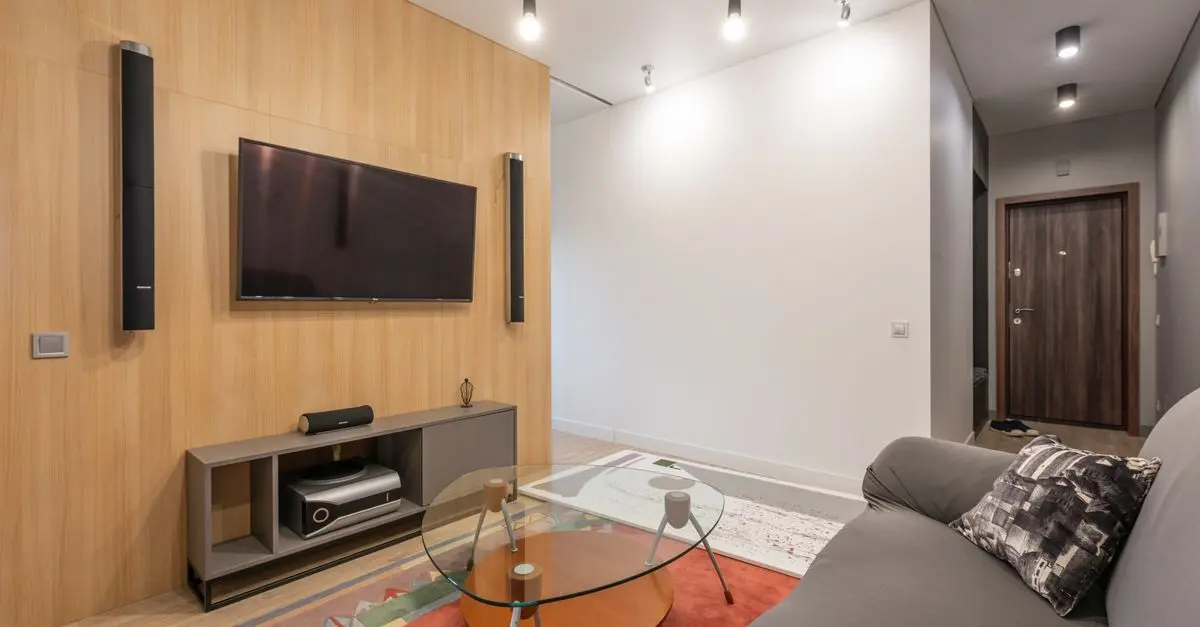
The very first step in setting up a HiFi system is to comprehend your living space. The acoustics of the room play a pivotal role in how sound is perceived and experienced. Factors like room size, surface materials, and furniture arrangement can significantly affect audio performance. For instance, a room with hard floors and minimal furnishings may produce echo, while a carpeted room with curtains could dampen sound reflections. Take measurements of your space and consider using acoustic panels or rugs to optimize your room’s acoustics for better sound quality.
2. Choose the Right Components
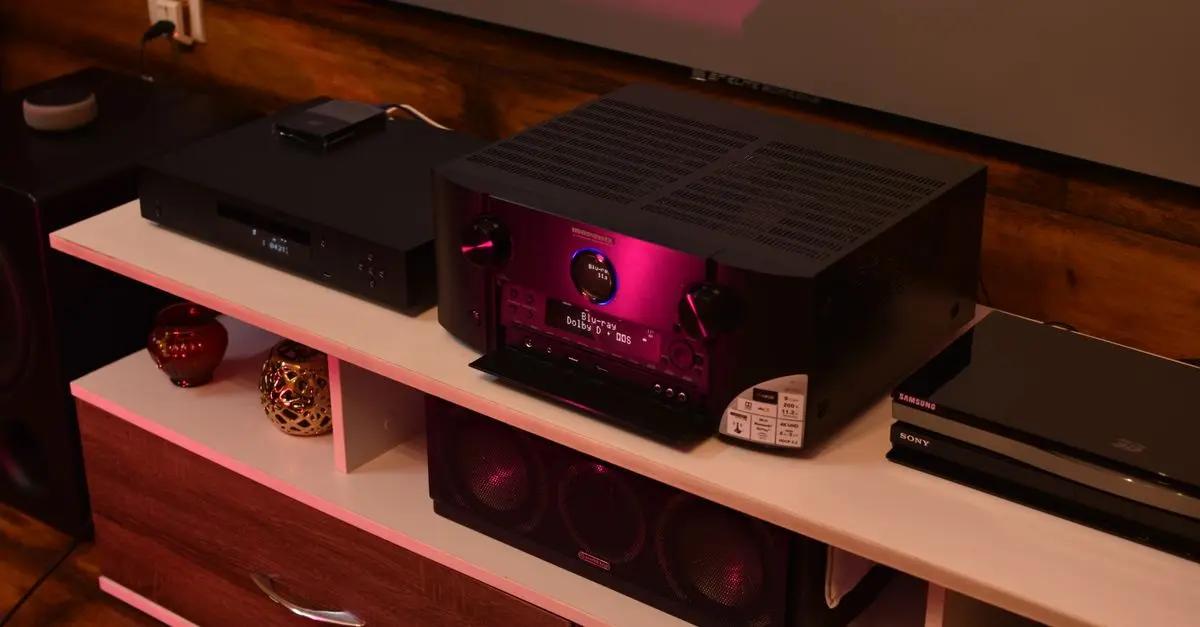
Selecting the right components for your HiFi system is crucial. You will need a high-quality receiver, speakers, and audio sources (like a CD player or streaming device). Each component should be compatible with one another and aligned with your audio preferences. Research various brands and models, and read user reviews to understand their performance. Consider visiting a local audio shop to listen to different setups, as personal listening experiences can vary greatly.

Bella Ponte Engagement Ring Setting 14K,WG, Womens BX0036E-44W-2.00 Bella Ponte
benbridge.com

Bella Ponte "The Whisper" Engagement Ring Setting 14K,YG, Womens BX0011E-2.00 Bella Ponte
benbridge.com

Momento - 2K UHD M8 Pro Dash Camera System (Front and Rear Camera) - Black
bestbuy.com
3. Proper Speaker Placement
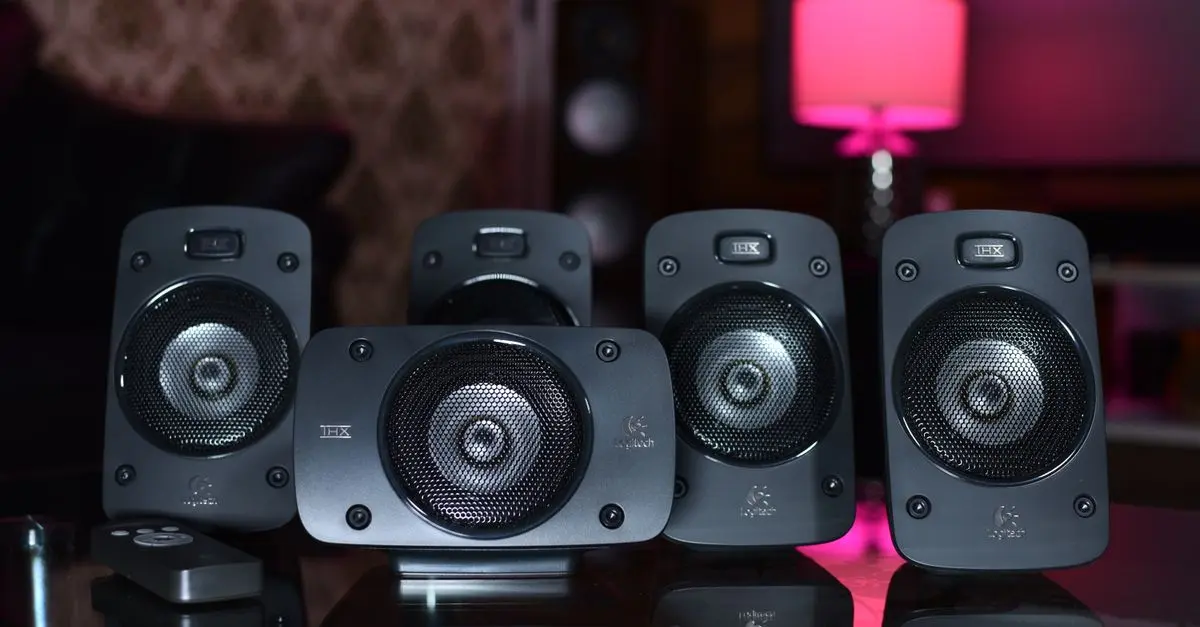
Once you have your components, placing your speakers correctly is vital for optimal sound. A common guideline is the equilateral triangle: the distance between the speakers should be the same as the distance from each speaker to the listening position. Additionally, keep speakers away from walls and corners to prevent unwanted bass buildup. Experiment with angles and distances, as small adjustments can vastly alter your listening experience.
4. Balancing Your System
Balancing your system isn’t just about the position of speakers; it also involves sound levels. Your receiver should be tuned to ensure that bass, midrange, and treble are set to preferred levels—this is where equalization settings come into play. Many receivers come equipped with automatic calibration tools, which analyze the room acoustics and adjust sound outputs accordingly. Don’t hesitate to manually tweak settings based on your preferences until you find that sweet spot.
5. Cable Quality Matters
High-quality cables can enhance the performance of your HiFi system. Opt for oxygen-free copper cables that minimize resistance and interference, ensuring clearer sound transmission. Make sure to use the proper gauge cables for your speaker distance—larger gauges for long runs can prevent signal loss. Investing in quality interconnects for your sources can catapult your audio quality and provide a more enjoyable experience.
6. Incorporate a DAC
If you're using digital sources, incorporating a Digital-to-Analog Converter (DAC) can significantly elevate audio quality. A good DAC converts digital audio signals to analog with minimal distortion, improving clarity and overall sound quality. Many modern receivers include built-in DACs, but external ones can offer superior performance. Be sure to research and choose a DAC that aligns with your specific needs and sound preferences.

Kosas Cloud Set Baked Setting & Smoothing Powder - Comfy - Sheer Medium Comfy - Sheer Medium
thedetoxmarket.com

Kosas Cloud Set Baked Setting & Smoothing Powder - Feathery - Sheer Light Medium Feathery - Sheer Light Medium
thedetoxmarket.com

7. Optimize Your Listening Environment
Creating an optimal listening environment goes beyond speaker placement and cable quality. Consider factors like lighting, seating arrangement, and ambient noise. Soft lighting can reduce glare off screens and enhance the mood during listening sessions. Ensure your seating area is strategically placed within the acoustic sweet spot of your speaker arrangement to maximize sound experience.
8. Regular Maintenance
Maintaining your HiFi system is essential for long-lasting performance. Dust and debris can accumulate on your components, leading to damage or degradation in sound quality. Regularly clean components, especially around speakers and connections. Schedule routine checks for any technical issues that may arise, as prompt attention can prevent minor problems from becoming larger repairs.
9. Experiment with Streaming Options
In 2026, streaming services have become an integral part of listening to music. Exploring various streaming platforms can introduce you to new genres and artists. Additionally, invest in a quality streaming device that supports high-resolution audio formats for optimal quality. Many services offer lossless audio streaming, which can significantly enhance your listening experience compared to standard lossy formats.
10. Trust Your Ears
While advice and expert opinions are invaluable, remember to trust your own ears. Each individual has a unique sense of sound preference, shaped by listening habits and experiences. Spend time listening to your favorite tracks through your system’s different configurations, and adjust settings based on what pleases you the most. Building a personalized sound may take time, but it ultimately leads to a more enjoyable experience.
Checklist Before Purchase
- [ ] Assess the acoustics of your room.
- [ ] Research compatible HiFi system components.
- [ ] Experiment with speaker placement.
- [ ] Import a balanced sound profile with proper EQ settings.
- [ ] Use high-quality cables for better audio.
- [ ] Incorporate a good DAC for digital sources.
- [ ] Create a comfortable and quiet listening environment.
- [ ] Maintain your system regularly.
- [ ] Explore streaming services for high-res audio.
- [ ] Trust your personal sound preferences.
Glossary
| Terme | Définition |
|---|---|
| DAC | Un appareil qui convertit les signaux numériques en audio analogique. |
| Acoustique | L'étude des sons et des propriétés des espaces pour leur transmission. |
| Interconnects | Câbles utilisés pour connecter différents composants audio ensemble. |
---
📺 Pour aller plus loin : setting up HiFi audio system tips 2026 sur YouTube
Recommended products
Selected by our experts

eufy PoE NVR Security System S4 Max+Turret Camera E41+ Bullet Camera E40
eufy.com
Cuisinart Coffee Plus 12-Cup Coffeemaker and Hot Water System
bedbathandbeyond.com

Cuisinart - Coffee Plus 12-Cup Coffeemaker & Hot Water System - Black
bestbuy.com
Cuisinart - Coffee Plus 12-Cup Coffeemaker & Hot Water System - Black
bestbuy.com
Smart Caregiver Complete Bed and Chair Exit Monitoring System
concordhealthsupply.com
Top Demand Picks GD7 PRO Router Lift For 65mm 69mm Wood Router, Precision Woodworking Lift System For Router Table Set Up With Aluminum style 2
inspireuplift.com